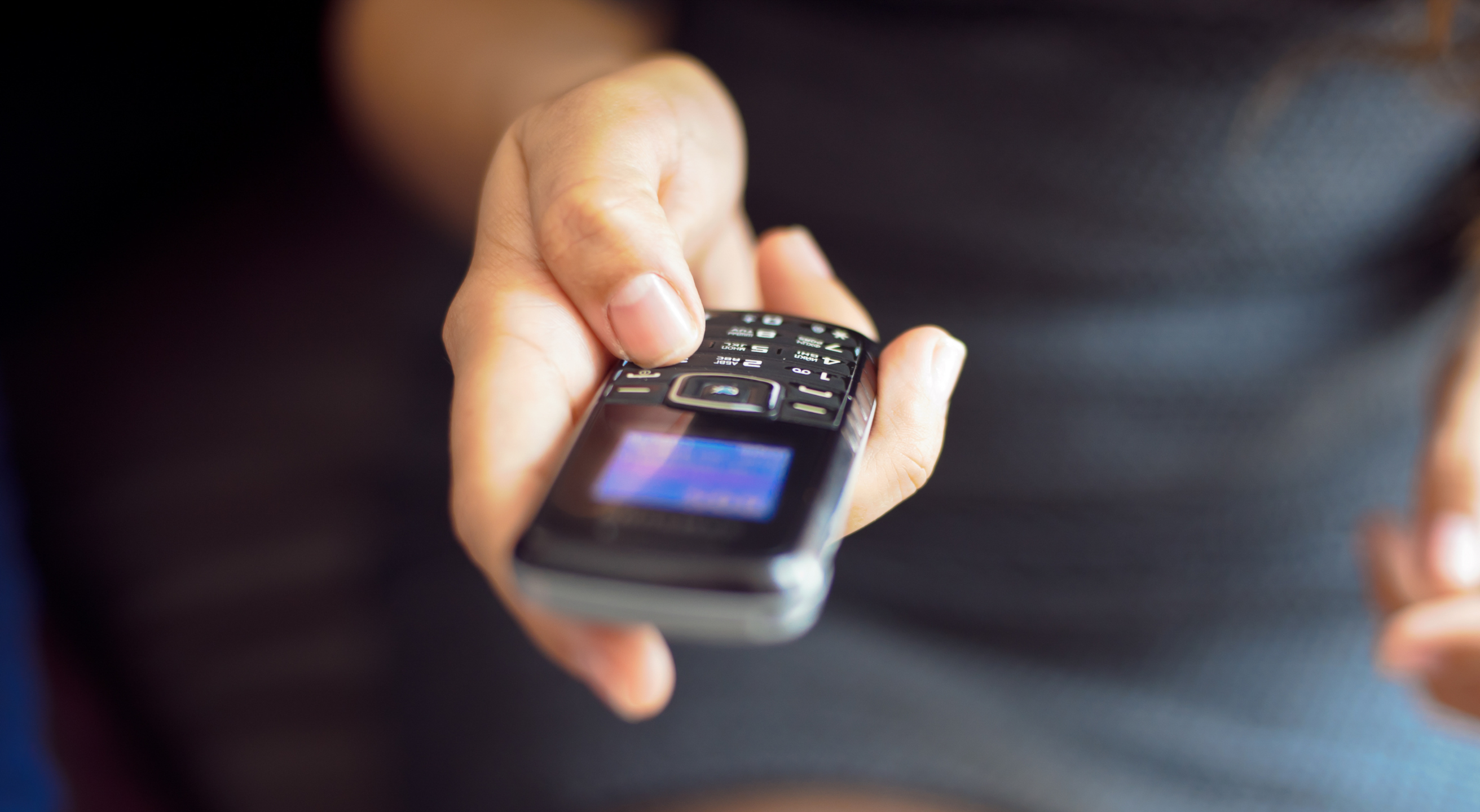
Every time you cross a border, the data on your phone, including emails, messages, apps, and photos, can be inspected without a warrant.
In the United States, Customs and Border Protection (CBP) has the right to go through your device at ports of entry under “border search exception.” Such device searches have increased over time, with CBP conducting 55,318 electronic device searches in 2025 alone, a 17.6% jump from the previous year.
That’s just one of the reasons why more travelers are leaving their primary phones at home and showing up at the airport with a secondary travel device. But is that really necessary?
In this guide, we’ll explore when and why you should get a burner phone for travel, as well as when you don’t need one. We’ll also walk you through some of the best burner phones for international travel and share other solutions to keep your data safe while you’re away.
Should You Get a Temporary Phone for International Travel?
Getting a burner phone when traveling abroad could be a smart security measure, but not everyone needs one. Whether or not you need a burner or prepaid phone for international travel depends on:
- Who you are
- What you do for work
- Whether you store sensitive data on your phone
- How often you travel internationally
- Your privacy or security concerns
You can consider getting a burner phone if your device stores sensitive data and you don’t want the border officials or other unwanted parties to access it. This could apply to groups such as journalists, lawyers handling privileged client communications, students who attended political protests and have related content on their devices, activists, and business travelers carrying confidential information. Even if you’re not legally required to unlock your phone during a border inspection, the CBP policy allows officers to detain the device or take other action.
That said, most travelers may not need a burner phone.
If your primary goal is staying connected abroad or avoiding roaming fees, an eSIM or a local SIM plan may be enough. Many smartphones support eSIMs, so you can operate it digitally without swapping physical SIMs or getting a burner phone. Depending on your provider, an eSIM can also offer strong security and privacy protections while supporting international use. However, a burner phone may still be the better option if you’re looking for device separation.
Why Get a Burner Phone for International Travel?
Even if you're unbothered about CBP inspections, burner or separate travel cell phones can make practical sense. Here are some of the main reasons why people use another device when traveling:
- Protection in case of theft/loss: Losing your primary phone isn’t just expensive. It could also mean losing access to stored data such as photos, contacts, and personal messages.
- Limited data exposure: A burner typical has no banking apps, saved passwords, and cloud-synced private photos. Even if someone accesses it, there’s less personal information at risk.
- No risk of hijacking account: If you’ll be using a public Wi-Fi abroad, having a phone that isn’t signed into your accounts reduces what an attacker could get to.
- Separate device for travel activities: A separate device can help you isolate all travel apps and services for efficient access, separate from your work and personal activities.
- Digital detox: Using a burner phone without access to social media, email addresses, or work apps can help you disconnect and focus on your trip.
Buying a Phone for International Travel? 6 Potential Options
You don’t want to buy just any phone as a burner or secondary device. It’s better to pick from manufacturers that takes security seriously. For example, some devices operate on outdated OS versions or come with pre-installed bloatware with security flaws, which can leave your data vulnerable.
When buying a travel phone, you should also consider your connectivity requirements. If all you need is calls and texts, a dumb phone can do that and cost you less than $100. But if you want navigation, messaging apps such as WhatsApp and Telegram, and other app-based services, a budget smartphone is more suitable.
We’ve selected the six best dumb phones and budget smartphone models for travel:
- Nokia 2760 Flip
- Easyfone Prime A6
- Motorola Moto G Play
- Google Pixel 7a
- Google Pixel 9a
- iPhone SE 3rd Gen
The table below breaks down the cost and of each and what they’re best for:
Phone | Type | Price Estimate | Best For |
Nokia 2760 Flip | Dumb phone | ~$39.99 | Minimal exposure with access to Google’s apps (through a KaiStore) and a web browser |
Easyfone Prime A6 | Dumb phone | ~$71.99 | Simple dumb phone without a camera or internet access |
Motorola Moto G Play | Budget Android | ~$150 | Basic smartphone with a long battery life |
Google Pixel 7a | Mid-range Android | ~$250-350 (refurbished) | Decent quality and built-in security measures, like a virtual private network (VPN) |
Google Pixel 9a | Mid-range Android | ~$499 | Strong built-in security measures, long-term software support, and long battery life |
iPhone SE 3rd Gen | iOS | ~$180 (refurbished) | Apple users who want iMessage and FaceTime without bringing their main phone |
If you’re looking for burner (disposable or temporary) phones for international travel, a dumb phone is often the least expensive choice. For frequent international travelers or those who need access to service apps, investing in a decent smartphone is a smart call. Many people also pair these phones with prepaid carrier plans for a more budget-friendly approach.
Where To Buy Refurbished or Burner Phones for International Travel
You can buy a burner phone at most large retail chains like Walmart, Best Buy, and Target. They can also be found in convenience stores such as 7-Eleven.
If you want to buy refurbished smartphones such as the Pixel 7a or iPhone SE, check out Best Buy, BackMarket, Swappa, or Amazon. Avoid SIM-locked phones since they can limit your options and force you to pay for expensive carrier roaming rates.
In case you’re already on your way to the airport, your options are limited. Some airports have electronics kiosks or convenience stores that carry basic prepaid phones, but it’s not something you can count on.
Whenever possible, buy and set up your travel phone beforehand. This also gives you time to activate an eSIM/prepaid SIM and install essential apps.
Can You Repurpose an Old Phone for International Travel?
If you have an old smartphone sitting in a drawer, it can work reasonably well as a travel phone. It’s already paid for, and using it as a phone for traveling abroad could seem like the easiest solution. There are a few anonymity considerations to keep in mind, though.
Even after a factory reset, your old phone retains its International Mobile Equipment Identity (IMEI), or the unique hardware identifier that cellular networks use to recognize a device. That identifier stays regardless of which SIM card you use, which means the phone can still be tied back to you if it was ever registered under your name with a carrier.
Security experts also note that repurposed phones, even when they appear wiped, can carry other identifiable traces, such as:
- Purchase records
- CCTV footage
- Prior account associations
For most travelers, this traceability isn’t a concern. But if the goal is complete anonymity, a newly purchased burner phone is a better option.
If you still decide to repurpose an old phone, these precautionary steps can help:
- Do a factory reset
- Don’t sign in to your Apple ID or Google account
- Don’t sync personal data
- Disable location services you don’t need
Do You Need a Second Phone or Just a Second Number?
If you’re not keen on getting a second phone for travel, burner or secondary numbers could be a more convenient choice for you. You can get a physical prepaid SIM or an eSIM to use as a secondary number for bookings and reservations, ride-share apps, and travel-related communications.
One way to access such an eSIM-based service is through Cape, a modern privacy-first mobile carrier. We offer two secondary numbers alongside your primary line to segregate communication for work, travel, or other preferences. Cape also supports users with multiple security features, including SIM swap protection and secure global roaming.
Effective Ways To Secure Your Phone’s Data When Traveling
Your phone protection measures while traveling depend on your risk profile. A tourist on a vacation might have different concerns than a journalist working on a sensitive piece.
We’ve outlined some common mobile device security measures based on individual risk profiles:
Risk Profile | Applies To | Precautions |
Low | Leisure travelers |
|
Medium | Remote workers, frequent travelers, and people crossing into countries with heavy surveillance | |
High | Journalists, lawyers, activists, or those who carry sensitive data |
|
When it comes to travel phone security, most people overlook that the device itself is only part of the problem. Even the most secure phones transmit over a cellular network, and that network can be an entry point for hackers and surveillance.
This security threat goes beyond traveling. Your choice of carrier can put your data at risk even when you’re at home. The “Big Three” carriers (T-Mobile, AT&T, and Verizon) have all experienced repeated data breaches over the past several years. That kind of data exposure could lead to serious security incidents such as identity theft and financial fraud.
If you want to increase your phone security and reduce your exposure at the network level, switch to a privacy-first carrier like Cape.
Cape: The Carrier Built for Security and Privacy
Cape is a privacy-first mobile carrier designed to keep your communications safe from surveillance and misuse. Unlike traditional cell phone plan providers, our business model centers around providing you with premium and secure call, text, and data, rather than harvesting and selling your information.
Our service is built from the ground up with privacy and security at its core, offering unique features like:
Privacy & Security Feature | Description |
Cape doesn’t ask for your name, address, or Social Security number. We only collect the information necessary to provide service, and we retain that information for the minimum amount of time possible. | |
Traditional carriers rely on a fixed International Mobile Subscriber ID (IMSI) to connect your device to cellular networks. This is a vulnerability that lets carriers, advertisers, and bad actors identify and track your device. Cape lets subscribers automatically rotate their IMSI every 24 hours, making it infinitely more difficult to track you or your device. | |
Many services ask for your phone number, but sharing it exposes you to spam, scammers, data brokers, and a variety of other risks. VoIPs, on the other hand, don’t work with 2FA, cost extra, and aren’t encrypted. With Cape, you get two free additional SMS/MMS lines that are middle-to-end encrypted. | |
Most U.S. carriers store your call and text metadata for years, sometimes indefinitely. Cape is built to forget, so call data records (CDRs) are deleted after just 24 hours. | |
Cape nullifies the threat of SIM swapping by completely removing humans from the loop. During signup, you receive a 24-word phrase that generates a private key tied to your number. This effectively means that no one (but you) can move your number to a new carrier or device, not even Cape. | |
Legacy network protocols, like SS7, leave you vulnerable to hackers that can track your location, intercept your calls and texts, and steal sensitive information. Cape’s Network Lock relies on a proprietary signaling proxy to verify that your device’s physical location matches the network it’s trying to attach to. If we detect anything out of the ordinary, Cape automatically blocks the connection, nullifying the potential threat. | |
Traditional voicemail systems are outdated, unencrypted, and another security hole bad actors can exploit to gain access to your sensitive information. Cape encrypts all voicemails, ensuring only you can access them. | |
While roaming, your phone connects to local telecom providers to enable service. But, who knows who might be listening on the other end. Cape provides you with peace of mind by routing your traffic through our U.S.-based mobile core, ensuring your identity, data, and communications remain private and secure. |
Ditch Legacy Carriers: Get Cape Today
Cape is a “Heavy” Mobile Virtual Network Operator (MVNO), meaning we own our mobile core and provision our own SIMs. This gives us full control over how accounts are authenticated and what data is collected (and for how long), and is how we are able to provide privacy and security features no other carrier on the market can offer.
Get started with Cape today and enjoy the peace of mind, knowing you are fully protected against scammers, hackers, bad actors, and other mobile threats.
To help protect more than just your phone, we’ve partnered with Proton. As a new Cape subscriber, you can choose between Proton Unlimited and Proton VPN Plus for just $1 for six months.
Share it
