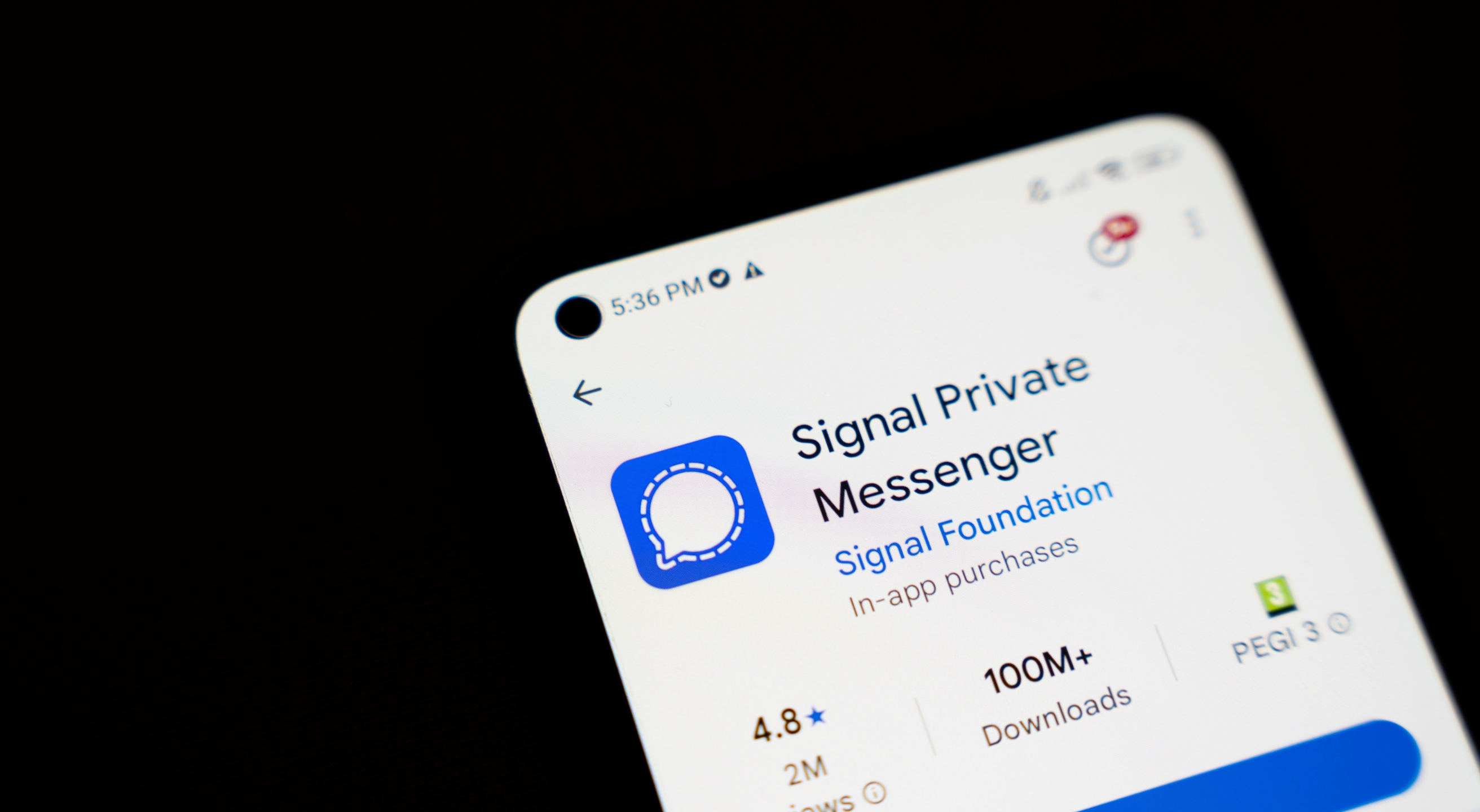
Advertised as “a messaging app with privacy at its core,” Signal promises to keep your communication secure. Excellent reviews and numerous users confirm the app’s reputation for solid performance and versatile features, but what about its security? Is the Signal app safe, and how does it protect your communication?
This guide provides a detailed overview of Signal’s security features and analyzes potential security concerns to give you a comprehensive understanding of the app’s capabilities.
What Is Signal and Is It Safe?
Signal is an app for instant messaging and voice and video calling, available for iOS, Android, Windows, Mac, and Linux. It was first launched in 2014 as a voice-calling app with messaging added a year later.
Signal is open-sourced, and its client and server code are publicly available on GitHub, allowing independent review and verification. The app is also free, has no ads, and is entirely supported by grants and donations.
Signal offers the standard toolkit most messenger apps offer, including:
- Text messaging
- Voice and video calling
- File and media sharing
- Group chats
- Stories
- Polls
The key difference between Signal and many other messenger apps is that Signal specifically focuses on privacy and security, offering its users a safe way to communicate. This is reflected in the app’s advertising, market positioning, and feature set.
Bonus read: Want to explore the security of other popular apps? Check out the articles below:
- Telegram security
- WhatsApp security
- Slack encryption
- Discord security
- Zoom security
Signal App Privacy Features: How Does the App Approach Secure Communication?
Signal’s dedication to security isn’t a promise but a commitment. The app offers various features that keep your interactions private, including:
- End-to-end encryption (E2EE)
- Secure backups
- Signal username
- Minimal data collection
- No ads or trackers
1. End-to-End Encryption
Signal offers end-to-end encryption (E2EE) by default. All communication that goes through the app can only be accessed by the sender and the recipient. Third parties, including the Signal team, mobile providers, or malicious actors, can’t decrypt the messages or calls. E2EE in Signal isn’t optional but integrated into the entire system.
The Signal Foundation, the company behind the app, relies on a proprietary end-to-end encryption technology named the Signal Protocol, which guarantees the complete privacy of your conversations. The Signal Protocol now powers other apps besides Signal, including WhatsApp and Google Messages, which is a testament to its reliability and effectiveness.
2. Secure Backups
Until recently, if your phone was lost, damaged, or stolen, you couldn't recover your Signal message history, and all your messages, photos, documents, and memories were forever lost.
To prevent this, the Signal team introduced Secure Backups, which became available on Android in September 2025, iOS in November 2025, and went generally available across Android, iOS, and Signal Desktop with the version 8.0 release in February 2026.
Here are a few characteristics of secure backups:
- They use zero-knowledge technology to store your archives without a direct association to your account.
- The only way backups can be unlocked is with a unique 64-character recovery key that only you have (not even Signal servers have access to it).
- A new version of the secure backup is created daily, replacing the previous day’s archive.
Secure backups are available in both free and paid versions. If you want to back up the last 45 days of messages and media, you won’t incur any additional costs. Those who wish to extend their backups beyond 45 days will have to pay $1.99 per month.
3. Signal Username
To register for Signal, you must provide your phone number, but that doesn’t mean that every user on the app can see this sensitive information. If you want to keep your phone number private, you can set up a Signal username and use it to initiate contact with other app users.
Usernames are optional, but if you’ve turned off phone number discoverability via Signal’s privacy settings, other app users won’t be able to reach you unless you share a username.
Here’s how to set up your Signal username:
- Open the Signal app and go to settings
- Head to your profile and type your username where the @ icon is
When initiating contact with someone, you can share your Signal username in three ways:
- Tell them your username
- Share a QR code
- Share your unique URL
Note: Your Signal username isn’t the same as your profile name. You’ll rely on your username only when you want to initiate contact with others without sharing your phone number. People can’t see it in your profile. Your profile name will remain the same regardless of your Signal username.
4. Minimal Data Collection
Signal is well-known for its minimal data collection policy, which makes it a favorite among users who prioritize privacy. Even if Signal’s servers are compromised, your data won’t be revealed because Signal doesn’t have it.
Signal has an entire website page dedicated to proving their minimal data collection practices. The section focuses on government requests for Signal user data and how the Signal team handles them. All information on Signal is end-to-end encrypted, so its servers don’t store any user information.
5. No Ads or Trackers
Many apps, especially free ones, contain hidden trackers that collect:
- App usage
- Your location
- Online behavior
- Shopping habits
Signal doesn’t have or support such trackers, ensuring your complete privacy. Additionally, the app doesn’t display ads, so there’s little risk of exposure to malware or phishing.
Signal App Security Issues: Potential Vulnerabilities To Consider
While Signal boasts excellent security features, the app isn’t 100% risk-free. You should be aware of specific issues and vulnerabilities that could compromise your privacy and security, resulting in unauthorized access to the app and potentially exposing your data and device to risk.
These risks include:
- Phishing: Signal’s E2EE ensures that nobody but you and the recipient can access the communication that goes through the app. However, malicious actors can send messages with what appear to be legitimate Signal group invite links. When you open these links, attacker-controlled devices get immediately added to your Signal accounts. That way, hackers gain real-time access to your Signal communication, and encryption remains intact.
- Limitations related to screen lock: Signal offers a screen lock feature designed to provide additional security to your conversations. However, this feature uses your phone’s existing PIN, pattern, or biometric authentication; therefore, you can’t set up a separate screen lock for the app. If a malicious actor has figured out your phone’s screen lock, they’ll also be able to access your Signal interactions.
- SIM swapping: Signal requires your phone number to work. Theoretically, if a hacker performs a SIM swapping attack (convinces your mobile carrier to transfer your phone number to a new SIM controlled by them), they could also gain access to your Signal account.
The good news is that these risks aren’t directly associated with the app’s built-in security options, but with how the app is used and how well you follow security best practices.
The Final Verdict: Is Signal a Safe App?
Signal is one of the safest messaging apps on the market. Its security features and focus on privacy aren’t a marketing ploy designed to attract users. The app offers concrete measures to keep your communication safe from prying eyes.
That said, using any messenger app comes with risks. To ensure maximum privacy and security, follow these best practices:
- Avoid opening suspicious links: Malicious actors may try to access your sensitive information or device by sending phishing links. If you suspect a link is malicious, never click on it. Delete it immediately or verify its source before interacting with it.
- Don’t accept message requests from people you don’t know: Hackers may send you messages enticing you to engage in a conversation. For example, they may claim that you have won a prize or that your account has been compromised. Never respond to these messages; it’s best to delete them immediately.
- Pay attention to the signs of hacking attempts: Increased data usage, high phone bills, shorter battery life, and unknown apps are some of the signs your device has been compromised. If you notice any of these, react promptly.
Prioritize Network-Level Security
Using secure messaging apps such as Signal is one of the key steps toward maintaining control over your data and ensuring your communication remains private. While being mindful of the apps you rely on is important, remember that true privacy and security go beyond app usage; a much bigger piece of the puzzle is your mobile carrier.
Carriers often collect significant amounts of your data, and without proper security protocols, hackers could access it.
The Salt Typhoon campaign, disclosed in late 2024 and still unfolding through 2026, compromised at least nine U.S. telecoms, including AT&T, Verizon, and T-Mobile. This is exactly the kind of carrier-level breach that defeats even Signal's E2EE by harvesting metadata, contact graphs, and the SS7/CALEA infrastructure the carriers themselves run.
Switching to a privacy-focused carrier such as Cape is crucial for minimizing the risk of network-level threats and protecting your data.
Meet Cape: The Secure Carrier Designed for Today’s Threats
We share the most intimate details of our everyday lives with our cell phones. In order to stay connected, our cell phones share that information with local cell networks, and in turn, those cell networks share our data with each other.
While this system is what makes connectivity possible, it was also built with interoperability as its priority, rather than security. The global cell network is vulnerable to a number of threats, as seen through headlines about major carrier data breaches we see time and time again. When major carriers aren’t losing our sensitive personal data in breaches and hacks, they’re actively selling it to ad networks, data brokers, and third parties.
At Cape, we believe that privacy and security shouldn’t have to be sacrificed for connectivity. That’s why we built our service with privacy principles and security features at its core, including:
Cape eliminates the risk of your sensitive data falling into the wrong hands by not even asking for it. When you make your Cape account, we don’t ask for your name, address, or SSN. We only collect the information that’s necessary to provide the service, and we retain it for the least amount of time possible.
During account creation, you receive a unique 24-word phrase that generates a private key tied to your phone number. This pass phrase is required to move your number to a new device or carrier. Nobody else, not even us at Cape, has access to the phrase, meaning there’s absolutely no way for bad actors to transfer your number to their device, effectively nullifying the possibility of SIM swapping.
Your phone stores an incredible amount of data, which can be accessed through call and text records. Most mobile carriers store your call and text metadata for years, which can easily fall into the wrong hands.
Cape is built to forget, meaning we delete Call Data Records (CDRs) after just 1 day, ensuring nobody can see who you texted or called, track where the communication took place, or access the sensitive information within CDRs.
All SIM cards are accompanied by International Mobile Subscriber IDs (IMSI). These function as unique identifiers devices use to register with cellular networks. Traditional telcos assign fixed IMSIs to user accounts, meaning the carriers, advertisers, hackers, and other bad actors can exploit them to identify and track your device.
Cape patches this security hole by allowing you to automatically rotate your IMSI every 24 hours. In practice, this means you appear as a different subscriber every day, making it much more difficult for anyone to identify your device or track your movements.
Are you tired of spam messages from brands, phone call surveys, and scammers trying to trick you into sharing sensitive information over the phone? The reason why most people are exposed to these nuisances is that we are often required to share our phone numbers with retailers, websites, apps, and service providers.
While messages and phone calls can be annoying, what’s worse is that your number can easily become a target for data brokers and bad actors. That’s why many people turn to VoIP numbers as secondary lines. VoIPs are a decent option, but they don’t fully solve the issue—they are not encrypted, you can’t use them for 2FA, and they’re an additional cost each month.
When you sign up for Cape, you get two free additional SMS/MMS lines that are middle-to-end encrypted. This allows you to use Secondary Numbers for online shopping, signing up for services and discounts, and receiving secure OTPs, while your primary phone number is reserved for friends and family.
6. Network Lock
Traditional cellular networks were designed for interoperability, not security. Outdated and legacy network protocols like SS7 have vulnerabilities that allow attackers to hack in and track your location, intercept your calls and texts, and steal sensitive information.
Cape’s Network Lock uses a proprietary signaling proxy to verify that your device’s physical location matches the network it’s trying to attach to. If anything looks suspicious, like a mismatched location, we block the connection.
Voicemails can reveal more than you think, from personal messages to authentication codes, yet most voicemail systems are outdated and unencrypted.
Cape encrypts your voicemails so that only you can access them.
To access phone service while traveling abroad, your phone typically needs to connect to local telecom providers. The trouble is, there’s no guarantee all networks are secure, and not every government treats privacy the same.
Cape doesn’t leave anything to chance. We let you route traffic through our U.S.-based mobile core, so you can safely use international data roaming without exposing your identity or sharing sensitive data or communications with foreign carriers.
With Cape, you get up to 15 GB per month of international roaming, included in your monthly plan.
Get Started With Cape Today
If you’re ready to make a switch from legacy telcos to America's privacy-first mobile carrier, visit cape.co/get-cape.
In addition to all the features listed above, you can further enhance your privacy and security with Proton. Our partnership with this technology leader allows you to get Proton Unlimited or Proton VPN Plus for only $1 for the first six months.
FAQs
Can Signal actually be compelled to hand over my messages to law enforcement?
Are Signal Secure Backups actually safe if Signal's servers get hacked?
Should I use my real phone number or a Signal username, and does it matter for privacy?
Share it
