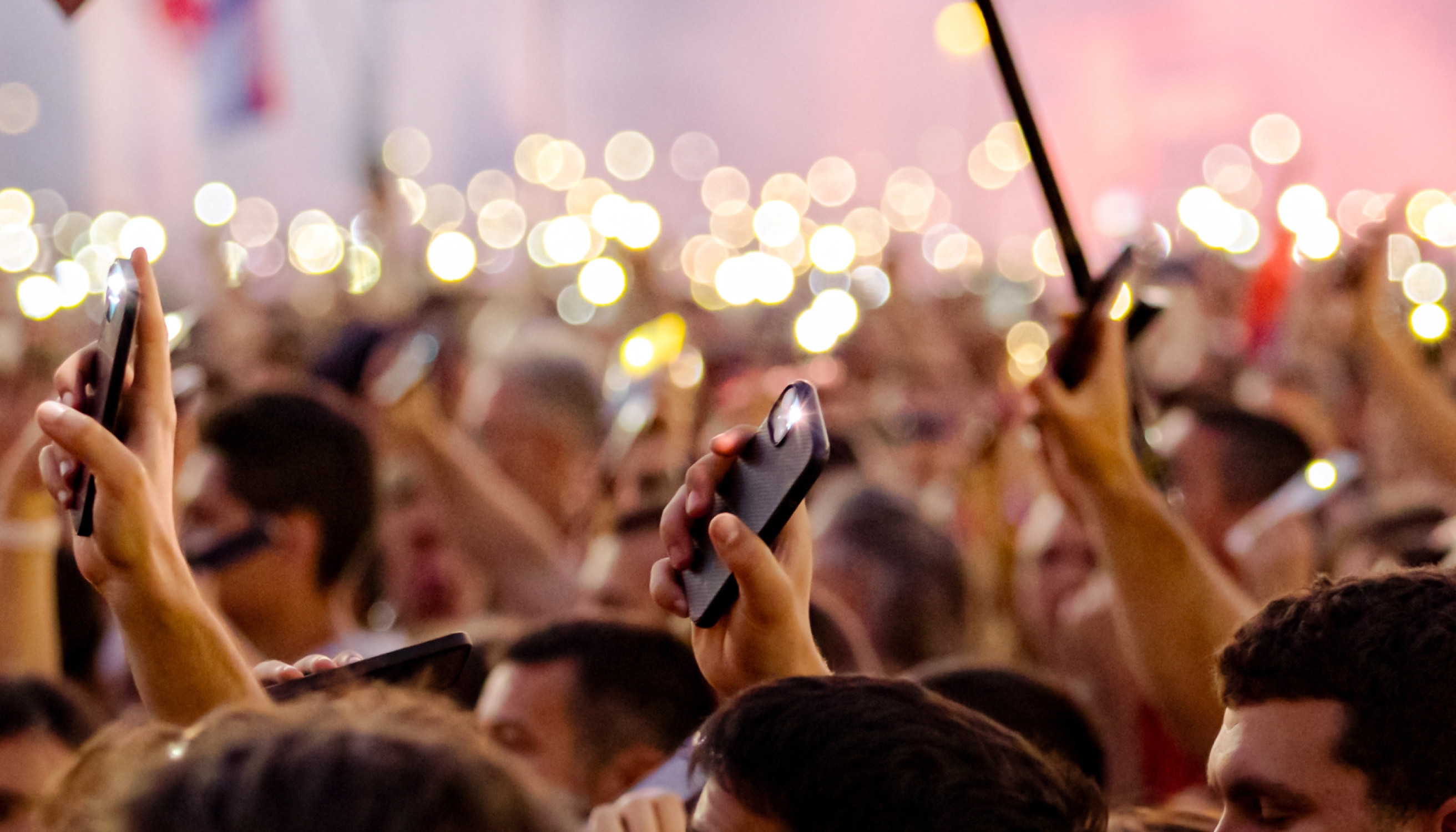
Should you bring your phone to a protest? This is a common dilemma for journalists, activists, and protesters alike. On the one hand, phones are a vital means of communication and information distribution; on the other, they can pose significant privacy and security risks.
In this guide, we’ll discuss the advantages and risks of bringing a phone to a protest and explain how you can protect your device and enhance your privacy and security.
What Are the Risks of Bringing Your Phone to a Protest?
Having a phone with you when attending a protest can be valuable, but it also carries risks. Below are potential risks to consider:
- Device loss or theft
- Confiscation
- Targeted surveillance
Device Loss or Theft
Protests often involve large crowds and chaos, and in such environments, the risk of losing or having your device stolen increases significantly. You may not even notice your device slipping out of your pocket or bag, and by the time you do, it may be too late to find it.
For most protestors, material damage isn’t the primary concern; it’s what someone could do with the information on the phone. If your device isn’t well-protected, the person who has it can access your emails, social media accounts, documents, messages, or the banking app, severely compromising your privacy and potentially exposing sensitive information.
Confiscation
If you’re detained or arrested during a protest, the authorities can take your device. The law states that they can’t search your phone without a warrant if you don’t consent. There are certain exceptions, such as:
- Preventing imminent harm or danger to life
- Pursuing a suspect
- Preventing the destruction of evidence
During protests, which can get chaotic, some police officers may not follow the legally defined procedures and search your phone anyway, despite not having your consent.
Note: Even if your device is confiscated and searched, authorities can’t use the content they find as evidence without a warrant as that would not stand in court.
Targeted Surveillance
Phones at protests present major privacy risks as malicious actors or authorities can:
- Use IMSI catchers to intercept traffic and track location data
- Monitor unencrypted traffic
- Disrupt service
- Monitor calls and texts
- Deploy malware or spyware
The long-term consequences of these actions could involve exposure of personal or sensitive information, ongoing surveillance, and severe financial loss.
Did you know? Protesters are often concerned about their phones being tapped without their knowledge. The truth is, authorities can tap your device regardless of your location, but to do it, they need a warrant, and obtaining one involves a complex procedure. This type of targeted surveillance is severely controlled and strictly regulated to prevent abuse.
Why You Should Consider Bringing Your Phone to a Protest
Considering the implications of taking your phone to a protest, it may seem that the best option is to leave it at home. Many protesters decide to take their phones with them due to several important reasons, including:
Purpose | Explanation |
Communicating with others | Without your phone, you won’t be able to reach out to your loved ones in case of an emergency or communicate with other protesters for coordination. |
Sharing content on social media | By leaving your phone at home, you won’t be able to document the protest and the important events you’re witnessing, limiting your ability to contribute to public awareness. |
Navigating the protest | Without your phone, you may have trouble finding meeting points or safe routes or locating your group if you get separated. |
How To Protect Your Phone During a Protest: 7 Best Practices
If you decide to take your phone to a protest, there are several steps you can take to protect your device’s security and privacy and minimize the risk of unauthorized access, surveillance, and data breaches. Below are valuable tips and best practices for keeping your phone safe during protests and other mass gatherings:
- Encrypt data
- Use encrypted apps for communication
- Hide your notifications
- Turn off location
- Use Airplane mode
- Place your device in a Faraday bag
- Use a reliable mobile carrier
1. Encrypt Data
If your device gets lost or stolen, data encryption can save the day and ensure nobody can access the information stored on your phone. Encryption scrambles your data into code only you can unlock and read.
iPhones and modern Androids (version 10 and higher) offer encryption by default, but only if you lock the device with a passcode or biometric authentication. The latter isn’t recommended for protests as authorities or malicious individuals could use biometrics to forcibly unlock your device and access the information it contains.
It’s best to set up a unique PIN. Avoid easy-to-guess passcodes such as “1234” or “0000.” Instead, use longer, unique combinations of random numbers to protect your device and encrypt data on it.
If you own an older Android device, you can manually enable encryption. Check your device’s encryption status in Settings and select your preferred options.
Tip: To protect your device from network-level threats, pair device-level encryption with a secure, privacy-first mobile carrier such as Cape.
2. Use Encrypted Apps for Communication
As attending protests carries a higher risk of message interception, you should be mindful of the apps you’re using to communicate with other protestors or your loved ones. Apps that offer end-to-end encryption (E2EE) protect your communications from interception and unauthorized access, ensuring that only you (the sender) and the recipient can read the content of the messages.
Such apps are:
- Signal
- Telegram (for Secret Chats)
- iMessage (for communication between iOS devices)
3. Hide Your Notifications
If your device gets stolen or confiscated and you have a strong password, the person who has it won’t be able to access the information on it, but they could read the notifications on your lock screen. Besides exposing sensitive information, screen notifications could reveal the identity of the people you’re communicating with, jeopardizing their privacy.
Even if your device is in your possession, people around you may be able to see your screen notifications and read potentially confidential information. To prevent this, you should hide your lock screen notifications, and the process takes only a few steps regardless of your OS.
If you’re an Android user, follow the steps below to hide your screen notifications:
- Open the menu and go to Settings
- Tap Notifications
- Choose Lock screen notifications
- Switch the toggle button at the top to completely disable lock screen notifications. You can also customize notification styles and choose whether to display content for specific apps
iPhone users should follow these steps to hide their screen notifications:
- Launch Settings and tap Notifications
- Choose Show previews
- Select Never or When Unlocked to ensure notifications don’t appear on the lock screen. Alternatively, you can customize screen alerts for each app individually
Did you know? The law protects you from unreasonable seizures and searches, so authorities can’t get into your phone without a passcode and can’t force you to unlock the device, especially not without a warrant.
4. Turn Off Location
With location services enabled on your device, authorities and malicious actors could track your whereabouts and potentially tie you to a specific event solely based on your proximity to it. Additionally, your location could be combined with other data points to create a record of you, and malicious actors could leverage this to launch cyberattacks in the future.
Disabling location services enhances your privacy and security, preventing others from tracking your movements. Here’s how Android users can turn off location on their devices:
- Go to Settings
- Scroll down and tap Location
- Switch the toggle button at the top of the screen to disable location tracking. Here, you can also review apps with permission to access your device’s location and customize settings
If you use an iPhone, here’s how to disable location services:
- Open Settings
- Choose Privacy & Security
- Tap Location services
- Switch the toggle button off to disable location services completely or manage location permissions for individual apps
Tip: Cape offers built-in protection against location tracking thanks to its security-first network that shields from the most advanced tracking and surveillance methods.
5. Use Airplane Mode
Airplane mode automatically disables all cellular, Wi-Fi, and Bluetooth signals, ensuring nobody can track them for surveillance purposes. The downside is that while airplane mode is enabled, you can’t send regular text messages or make calls; you can connect to Wi-Fi networks, but this isn’t recommended because these networks can be monitored.
Enabling airplane mode during protests makes sense if you know you won’t be communicating with anyone for a specific amount of time, but want to have your phone with you to take photos or videos. Since disabling it takes only a few seconds, you can be back online in no time and communicate with others if necessary.
Enabling airplane mode looks the same on Androids and iPhones:
- Swipe down from the top-right corner of your screen to open the notification panel
- Tap the airplane icon
6. Place Your Device in a Faraday Bag
Faraday bags block all electromagnetic signals from being sent and received, including:
- Wi-Fi
- Cellular signals
- Bluetooth
- NFC and RFID signals
- GPS
These pouches create a shield around your device, ensuring nobody can access your phone or track its location. While offering powerful protection, Faraday bags also disable communication, so you won’t be able to exchange calls and messages with others while your phone is in the pouch.
While they’re efficient, don’t forget that Faraday bags offer only partial protection. As soon as you remove the device from the bag, protection ends, and your phone becomes exposed to potential surveillance, tracking, and cyberattacks.
7. Use a Reliable Mobile Carrier
Your mobile carrier should offer protection from network-level threats involving data interception, breaches, and tracking, not just during protests, but at all times. A privacy-first carrier, such as Cape, provides new levels of protection by:
- Collecting minimal amounts of data to reduce the risk of breaches and leaks
- Using innovative infrastructure that isn’t built on trust
- Offering advanced options to defend against IMSI catchers, signal interception, and tracking
- Relying on strong encryption protocols to keep sensitive information secure
Besides minimal data collection, Cape has strict data storage and sharing policies, ensuring that your information remains private and minimizing security risks.
Cape: The Carrier Built for Security and Privacy
Cape is a privacy-first mobile carrier designed to keep your communications safe from surveillance and misuse. Unlike traditional cell phone plan providers, our business model centers around providing you with premium and secure call, text, and data, rather than harvesting and selling your information.
Our service is built from the ground up with privacy and security at its core, offering unique features like:
Privacy & Security Feature | Description |
Cape doesn’t ask for your name, address, or Social Security number. We only collect the information necessary to provide service, and we retain that information for the minimum amount of time possible. | |
Traditional carriers rely on a fixed International Mobile Subscriber ID (IMSI) to connect your device to cellular networks. This is a vulnerability that lets carriers, advertisers, and bad actors identify and track your device. Cape lets subscribers automatically rotate their IMSI every 24 hours, making it infinitely more difficult to track you or your device. | |
Many services ask for your phone number, but sharing it exposes you to spam, scammers, data brokers, and a variety of other risks. VoIPs, on the other hand, don’t work with 2FA, cost extra, and aren’t encrypted. With Cape, you get two free additional SMS/MMS lines that are middle-to-end encrypted. | |
Most U.S. carriers store your call and text metadata for years, sometimes indefinitely. Cape is built to forget, so call data records (CDRs) are deleted after just 24 hours. | |
Cape nullifies the threat of SIM swapping by completely removing humans from the loop. During signup, you receive a 24-word phrase that generates a private key tied to your number. This effectively means that no one (but you) can move your number to a new carrier or device, not even Cape. | |
Legacy network protocols, like SS7, leave you vulnerable to hackers that can track your location, intercept your calls and texts, and steal sensitive information. Cape’s Network Lock relies on a proprietary signaling proxy to verify that your device’s physical location matches the network it’s trying to attach to. If we detect anything out of the ordinary, Cape automatically blocks the connection, nullifying the potential threat. | |
Traditional voicemail systems are outdated, unencrypted, and another security hole bad actors can exploit to gain access to your sensitive information. Cape encrypts all voicemails, ensuring only you can access them. | |
While roaming, your phone connects to local telecom providers to enable service. But, who knows who might be listening on the other end. Cape provides you with peace of mind by routing your traffic through our U.S.-based mobile core, ensuring your identity, data, and communications remain private and secure. |
Transparency for Government Requests
As a mobile carrier, Cape is legally required to comply with lawful government requests. However, because we retain minimal data, we can only provide what we have. Additionally, we will notify subscribers of receipt of legal process seeking disclosures related to their accounts whenever possible, and will challenge overly broad demands. You can read more about how we handle government requests in our Privacy Policy.
Cape also has a program offering free cell service to journalists and activists, or any high-risk individuals contributing to a free society. The Electronic Frontier Foundation (EFF) is an independent partner to this program to help vet applicants and get secure Cape service into the hands of those who need it most. Learn more about the program here.
Ditch Legacy Carriers: Get Cape Today
Cape is a “Heavy” Mobile Virtual Network Operator (MVNO), meaning we own our mobile core and provision our own SIMs. This gives us full control over how accounts are authenticated and what data is collected (and for how long), and is how we are able to provide privacy and security features no other carrier on the market can offer.
Get started with Cape today and enjoy the peace of mind, knowing you are fully protected against scammers, hackers, bad actors, and other mobile threats.
To help protect more than just your phone, we’ve partnered with Proton. As a new Cape subscriber, you can choose between Proton Unlimited and Proton VPN Plus for just $1 for six months.
FAQs
Should I use a burner phone for a protest, or is my regular phone with proper settings enough?
Is Telegram safe to use at protests?
Can the police force me to provide my fingerprint or Face ID to unlock my phone at a protest?
Share it
