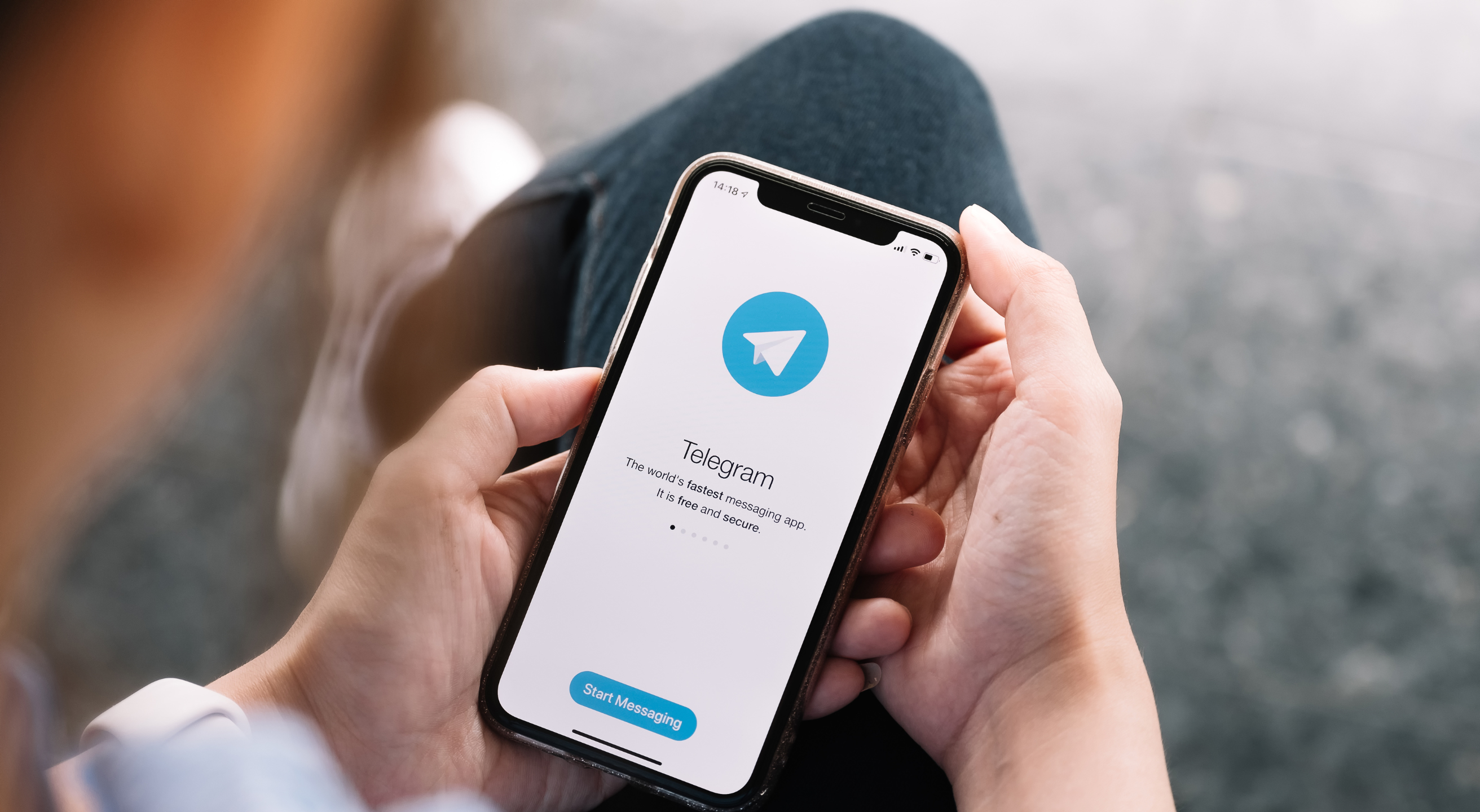
Telegram is the third-most downloaded messenger app worldwide, with over one billion monthly users and a user database forecasted to continue growing in the future.
The app markets itself as a secure messenger, but is this just another marketing ploy, or is Telegram safe to use for those who prioritize security and privacy?
In this guide, we’ll provide the answer by discussing Telegram’s security features and potential concerns to help you decide whether the app meets your needs. We’ll also offer valuable tips on protecting your digital security and minimizing the risk of threats.
What Is Telegram?
Telegram is a cloud-based messaging app similar to WhatsApp. In addition to streamlining communication through easy messaging and voice and video calls, Telegram offers features such as:
- Channels: Allows admins to broadcast messages to an unlimited number of subscribers
- Large group chats: Enables up to 200,000 group members to seamlessly exchange messages
- Bot API: Allows users to easily build specialized tools, automate tasks, receive payments, and streamline other activities like managing a business or promoting a project
Telegram founders point out that the app is simple, private, and powerful. There’s virtually no learning curve, so you can leverage everything the app offers from the moment you install it on your device. Another important perk is that, unlike many other messaging apps, Telegram has no limit on the size of your media and chats, supporting seamless communication. You can also access chats from multiple devices at once, and synchronization is never an issue.
Bonus read: If you’re wondering about the level of security other popular apps offer, explore our guides to:
Is the Telegram App Safe? Key Security Features
Telegram has created an image of a secure app, but do its capabilities truly support this claim? Here are several Telegram security features that contribute to the app’s overall safety:
- Secret chats
- Auto-delete
- Encryption
- Authentication
- Custom settings
Secret Chats
Telegram is known for its Secret Chats. This convenient feature enables one-on-one conversations that are fully end-to-end (E2E) encrypted, meaning only the sender and the recipient can view the messages. Below are a few key functionalities of Secret Chats:
- Nobody can decipher the conversation, including the Telegram team.
- Secret chat messages can’t be forwarded.
- If you delete your secret chat messages, they will be deleted on the other end as well.
- You can order secret chat messages to self-destruct after a specific time, and they will disappear from your and the other party’s devices.
- Secret chats are device-specific; you can only open them from the device of origin.
Secret Chats are ideal for users who prioritize security and privacy and want to ensure nobody can access their communication. Keep in mind that not all Telegram chats are Secret Chats, so you don’t get the same level of security with all your communication. Follow these steps to start a Secret Chat:
- Find the person you want to message and select their profile picture
- Tap the three vertical dots at the top-right corner and choose Start Secret Chat
- Select Start to confirm your decision
- Wait for the other person to open the app and agree to the secret chat. Once they do, you can start the conversation
Auto-Delete
Telegram enables its users to delete messages for all participants in a conversation without a trace, thanks to the auto-delete timer. This feature differs from self-destructive messages, which are only available in secret chats. The timer can be used for all Telegram chats.
You have two options:
- Delete after 24 hours
- Delete after seven days
The countdown begins after the messages are sent, not read (like in secret chats). It’s worth keeping in mind that you first need to set the time and then send the messages. All messages that you’ve sent before setting the auto-delete timer will remain in chat history.
To enable the auto-delete timer on Android, follow these steps:
- Open a chat and tap three dots
- Select Clear History and choose a duration
iPhone users should follow these steps:
- Press and hold a message
- Tap Select and choose Clear Chat
- Choose Enable Auto-Delete
Encryption
By default, Telegram’s encryption has two layers:
- Server-client encryption: It’s used in Cloud Chats (private and group chats). Messages are encrypted when they travel between a device and the app’s servers, and Telegram has the decryption keys.
- Client-client (end-to-end) encryption: It’s used in Secret Chats. Data is encrypted on the sender’s device and can only be decrypted on the recipient’s device, so third parties can’t access it.
Telegram encrypts all types of data, including media, text, and files. The encryption the app leverages is based on 256-bit symmetric AES encryption, 2048-bit RSA encryption, and Diffie-Hellman secure key exchange.
Authentication
Telegram offers two advanced authentication settings to help you protect your privacy and prevent security breaches and unauthorized access to your messages:
- Two-step verification: By default, when you use a new device to log in to your Telegram account, you’ll receive an SMS code you’ll need to enter to verify your identity. If you want to add an extra security layer, enable two-step verification in your Telegram settings. Once you do, you’ll also need a password to log in, which protects you from threats such as SIM swapping.
- Passcode lock: You can protect your Telegram messages with a four-digit passcode (or PIN) to ensure nobody can access your messages. This is especially useful if you’re sharing a laptop or mobile device with your coworkers or family members. You can choose between manual and auto lock (after a specified period of inactivity).
Custom Settings
Telegram offers a wide range of settings to help you customize the level of privacy and security that suits you best. Here are a few examples:
Setting | Description |
Personal data visibility | You can customize who can see your phone number, bio, profile picture, and other information in the app’s Privacy and Security settings. In most cases, you’ll be able to choose among three options: Nobody, My Contacts, and Everybody. |
Last seen option | By default, Telegram displays the time when you last used the app. You can disable this option for enhanced privacy. If you do, Telegram will show an approximate status of your recent activity (such as “last seen recently” or “last seen within a month”). |
Clear chat history | You can delete your entire chat with someone on your and on the recipient’s end. To do this, open the chat in question, select the three dots in the corner, and tap Clear History. |
Inactive account deletion | You can enable Telegram to delete your account if you’ve been inactive for a specific period (e.g., six months or a year). |
Message controls | If you’re a Telegram Premium user, you can customize who can message you. For example, you can choose to receive messages only from users who are in your contacts, thus minimizing the risk of phishing. |
Telegram Security Issues: 3 Potential Weak Points You Should Be Aware Of
Telegram boasts solid security and privacy features, but there are a few significant drawbacks you should consider to get an objective idea of how safe the app really is:
- Lack of robust encryption for all messages
- Metadata storage
- Risk of phishing
1. Lack of Robust Encryption for All Messages
While Telegram does offer E2EE, this type of encryption is only available for Secret Chats, which you need to enable manually each time you want to message someone. Even if you’re willing to go through the trouble, Secret Chats are available only for one-on-one conversations, so you can’t use them for group chats, leaving your messages more vulnerable.
While Telegram’s default server-client encryption offers some level of protection, it’s important to understand what that means. All your messages get decrypted once they reach Telegram’s servers, so theoretically, malicious actors could access these servers and gain access to your messages.
Metadata Storage
Telegram’s privacy policy mentions that the app may collect metadata, including your:
- IP address
- Devices and Telegram apps you’ve used
- Username changes
According to Telegram, the reasons for this are to improve security and prevent spam, abuse, and other violations of the app’s Terms of Service. All this data can be stored on Telegram’s servers for up to 12 months. If a data breach occurs, malicious actors could potentially access this information.
Risk of Phishing
By default, anyone with your phone number can message you on Telegram, exposing you to a high risk of phishing. For example, a malicious actor can pose as your bank, a friend who lives abroad, or a coworker, and get you to open links that steal your information or contain a virus. If you’re not careful, you could become a victim of a scam.
Another potential danger lurking on Telegram is the use of bots. While bots were originally created to automate mundane tasks, hackers now leverage them to:
- Spread spam across the app
- Collect your personal information
- Advertise get-rich-quick schemes
- Get you to download malware
Telegram's 2024–2025 Policy Shift: What Changed
Pavel Durov, Telegram CEO and co-founder, was arrested at Le Bourget Airport in Paris on August 24, 2024, by French authorities. He was charged with complicity in distributing illegal content, failing to moderate it, and failing to cooperate with authorities.
Following the arrest, Telegram updated its privacy policy in September 2024, and the update was announced via Durov's Telegram channel. In a public announcement, the company stated that it could provide users’ IP addresses and phone numbers to law enforcement in response to valid legal requests related to criminal investigations. This was a significant change from prior marketing that emphasized near-zero data sharing.
Through 2025, Telegram has also expanded content-moderation efforts and increased enforcement against channels and content found to violate platform rules. These changes occurred in response to growing regulatory scrutiny, including enforcement pressure under the EU’s Digital Services Act.
Importantly, the policy changes do not affect Telegram’s encryption model. Secret Chats remain end-to-end encrypted and inaccessible to Telegram even under legal demand. However, standard one-to-one and group chats are not end-to-end encrypted by default and remain stored in Telegram’s cloud infrastructure.
The revised policy primarily affects account metadata, such as IP addresses and phone numbers for users implicated in criminal investigations under valid legal process, rather than the contents of Secret Chats.
Final Verdict: Is Telegram Safe To Use?
For the average user, Telegram is perfectly safe. The app offers various privacy and security features that help protect your conversations and allow you to customize settings. Despite these features, it’s essential to recognize the app’s limitations and not assume that every conversation within the app is 100% private and safe from prying eyes.
If you’re concerned about mobile privacy and security, you should follow best practices for safeguarding your information, such as:
- Setting up strong passwords
- Using an authenticator app
- Downloading apps from verified sources
- Regularly updating your system
The Salt Typhoon campaign, disclosed in late 2024 and still unfolding through 2026, compromised at least nine U.S. carriers, including AT&T, Verizon, and T-Mobile. It is a state-sponsored breach that exposed call records and metadata at exactly the layer Telegram's encryption can't reach.
As security risks often don’t originate within apps, and instead at the network level, everyone who values mobile security should consider switching to a privacy-first mobile carrier such as Cape.
Cape: The Carrier Built for Security and Privacy
Cape is a privacy-first mobile carrier designed to keep your communications safe from surveillance and misuse. Unlike traditional cell phone plan providers, our business model centers around providing you with premium and secure call, text, and data, rather than harvesting and selling your information.
Our service is built from the ground up with privacy and security at its core, offering unique features like:
Privacy & Security Feature | Description |
Cape doesn’t ask for your name, address, or Social Security number. We only collect the information necessary to provide service, and we retain that information for the minimum amount of time possible. | |
Traditional carriers rely on a fixed International Mobile Subscriber ID (IMSI) to connect your device to cellular networks. This is a vulnerability that lets carriers, advertisers, and bad actors identify and track your device. Cape lets subscribers automatically rotate their IMSI every 24 hours, making it infinitely more difficult to track you or your device. | |
Many services ask for your phone number, but sharing it exposes you to spam, scammers, data brokers, and a variety of other risks. VoIPs, on the other hand, don’t work with 2FA, cost extra, and aren’t encrypted. With Cape, you get two free additional SMS/MMS lines that are middle-to-end encrypted. | |
Most U.S. carriers store your call and text metadata for years, sometimes indefinitely. Cape is built to forget, so call data records (CDRs) are deleted after just 24 hours. | |
Cape nullifies the threat of SIM swapping by completely removing humans from the loop. During signup, you receive a 24-word phrase that generates a private key tied to your number. This effectively means that no one (but you) can move your number to a new carrier or device, not even Cape. | |
Legacy network protocols, like SS7, leave you vulnerable to hackers that can track your location, intercept your calls and texts, and steal sensitive information. Cape’s Network Lock relies on a proprietary signaling proxy to verify that your device’s physical location matches the network it’s trying to attach to. If we detect anything out of the ordinary, Cape automatically blocks the connection, nullifying the potential threat. | |
Traditional voicemail systems are outdated, unencrypted, and another security hole bad actors can exploit to gain access to your sensitive information. Cape encrypts all voicemails, ensuring only you can access them. | |
While roaming, your phone connects to local telecom providers to enable service. But, who knows who might be listening on the other end. Cape provides you with peace of mind by routing your traffic through our U.S.-based mobile core, ensuring your identity, data, and communications remain private and secure. |
Ditch Legacy Carriers: Get Cape Today
Cape is a “Heavy” Mobile Virtual Network Operator (MVNO), meaning we own our mobile core and provision our own SIMs. This gives us full control over how accounts are authenticated and what data is collected (and for how long), and is how we are able to provide privacy and security features no other carrier on the market can offer.
Get started with Cape today and enjoy the peace of mind, knowing you are fully protected against scammers, hackers, bad actors, and other mobile threats.
To help protect more than just your phone, we’ve partnered with Proton. As a new Cape subscriber, you can choose between Proton Unlimited and Proton VPN Plus for just $1 for six months.
Share it
