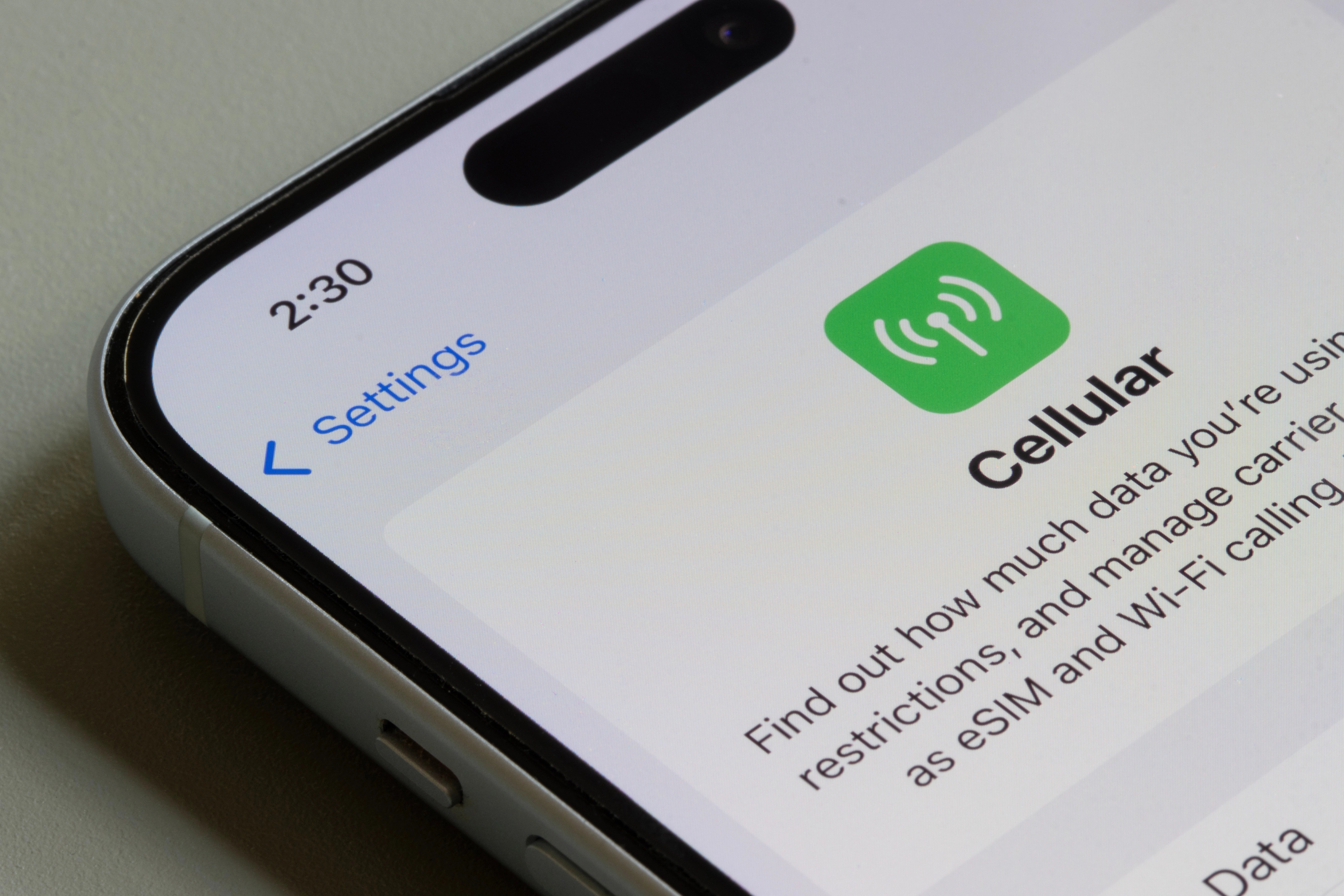
The first SIM card was launched in 1991 and was about the size of a credit card. Since then, SIM cards have continued to shrink, and today’s version, known as eSIM, completely eliminates the need for a physical card inside your device.
So, what is an eSIM really, and how does it work? In this guide, we’ll explain everything you should know about eSIMs, from their underlying technology to key advantages and drawbacks. We’ll also discuss what to focus on when choosing an eSIM to ensure you get the best coverage and security.
What Is an eSIM Card?
An embedded SIM (eSIM) is a digital version of a traditional SIM card that enables your device to connect to a mobile network without needing a removable, physical SIM. The eSIM chip is permanently built into the device or “embedded,” and you can activate service by downloading a mobile plan. Unlike physical SIM cards, eSIMs can store multiple profiles, making it easy to switch carriers or plans without needing to swap cards.
How does an eSIM work?
An eSIM works exactly the same way as a traditional SIM; it authenticates your device with your mobile carrier so you can complete the following activities:
- Connect to the network
- Send and receive text messages
- Make and receive phone calls
- Use cellular data
The main difference is that activation occurs digitally. Instead of inserting a card, you download an eSIM profile using a QR code, carrier app, or automatic or remote SIM provisioning (RSP).
What Are the Advantages of an eSIM?
The most obvious advantage of an eSIM card is convenience since you don’t have to purchase a new SIM card or go to your carrier to activate a plan. Since the chip is embedded into your phone, all you need to do is activate your eSIM remotely (which can be as simple as scanning a QR code), and you’ll be ready to connect to a mobile network anywhere.
In addition to convenience, eSIMs offer a range of advantages, including:
- Enhanced security
- Multiple profile support
- Affordability
- Reduced environmental waste
1. Enhanced Security
Physical SIM cards can get physically damaged or lost when you’re transferring them from one device to another. This isn’t an issue with an eSIM as it doesn’t involve a physical card. Since they are less prone to damage, eSIMs are more durable.
If your device is stolen, thieves can’t remove the eSIM to disable tracking, unlike with physical SIMs. Disabling an eSIM usually requires the carrier’s assistance and authorization, so malicious actors or thieves can’t tamper with it.
Compared to physical SIM cards, eSIMs are less vulnerable to attacks and hacks, such as SIM cloning. eSIMs are typically protected with encryption, and since they’re embedded into devices, they can’t be easily duplicated.
Note: While eSIMs are generally more secure than physical SIMs, they aren’t immune to cyber threats. You should still follow security and privacy best practices, like using strong authentication and avoiding suspicious apps and links, to ensure protection. Another important consideration is selecting a privacy-focused eSIM provider with high security standards, such as Cape.
2. Multiple Profile Support
A physical SIM card stores one carrier profile; if you frequently travel to Europe or any place abroad, want to switch carriers, or have a work phone number, you’ll need to do one of the following:
- Constantly swap your physical SIM cards
- Use a device with dual SIM support
An eSIM can hold multiple carrier profiles for maximum convenience; depending on your device, you can typically store between five and eight eSIM profiles. Simply toggle between different profiles according to your schedule and needs to maximize the potential of eSIM. With just a few clicks, you can easily switch between carriers and plans to always get maximum affordability, flexibility, and coverage, regardless of your location.
3. Affordability
In the past, when traveling internationally, you either had to purchase a local SIM or pay high roaming fees to ensure a stable and consistent network connection. eSIMs change this; you can set up a local eSIM on your device and connect to a network without paying expensive fees or buying a physical SIM that you’ll only use for a few days.
4. Reduced Environmental Waste
eSIMs support a more sustainable approach to technology. Unlike physical SIM cards, which are made of plastic and contribute to environmental waste, eSIMs are embedded into devices, occupying less physical space. They also don’t require separate packaging and shipping, which reduces their environmental footprint.
What Are the Drawbacks of eSIMs?
While eSIMs offer numerous advantages, they also have some drawbacks you should consider, including:
Drawback | Explanation |
Limited device compatibility | eSIMs gained traction in the consumer market in 2016. Today, most major manufacturers, such as Apple, Samsung, and Google, widely support eSIM, but the technology isn’t available on older devices. |
Complex transfer to a new device | When you purchase a new device and have a physical SIM card, the transfer is as easy as inserting the card into the new phone. The process is more complicated with an eSIM. You may need to contact your carrier to get the new activation code. Additionally, the transfer involves accessing your device’s settings, so people who aren’t tech-savvy may struggle to complete all the steps. |
How To Set Up an eSIM: iPhone and Android Set Up Processes Explained
The first step you’ll need to complete, regardless of your device, is to check whether your phone supports eSIMs. You can perform a Google search or access your device’s settings to check if adding an eSIM is an available option. Once you confirm compatibility, you’ll need to purchase an eSIM plan with the chosen provider. Visit the carrier’s website and select a plan that suits your needs.
After the payment is completed, you’ll likely receive a QR code, which you need to scan to add the eSIM to your device. This process varies depending on whether you have an iPhone or an Android device.
Note: Scanning a carrier-provided QR code is the most common method for activation, but it’s not the only one. Depending on the chosen carrier, you may be able to activate your eSIM via an app or link, or you may prefer to enter the required information manually.
Setting up an eSIM on an iPhone
Here’s how to activate an eSIM on your iPhone:
- Scan the QR code you’ve received from your carrier
- You’ll receive the Cellular Plan Detected notification; follow the link
- Tap Continue at the bottom of the screen
- Select Add Cellular Plan. You may be required to enter a confirmation code; use the number provided by your carrier
On any current iPhone (iOS 17.4 or later), if you receive the eSIM QR code via email or in a browser, you can simply tap the code on screen and select Add eSIM; no separate scanning step is needed.
Setting up an eSIM on an Android Device
The exact path for setting up an eSIM on your Android phone depends on the manufacturer.
On a Samsung Galaxy (One UI), go to Settings > Connections > SIM manager > Add eSIM and scan the provided QR code.
On a Pixel or most other stock Android devices, go to Settings > Network & internet > SIMs > Add eSIM and scan the QR code. Follow the on-screen prompts to complete activation. From the same menu, you can also transfer a SIM from another phone or search for available eSIMs offered by your carrier.
eSIM FAQs
Can I Move My eSIM to a New Phone Without Contacting My Carrier?
Are eSIMs Available on Prepaid Phone Plans?
What Happens to My eSIM When I Factory Reset My Phone?
Does an eSIM Give You a Phone Number?
Do All eSIMs Offer the Same Level of Security?
Meet Cape: The Secure Carrier Designed for Today’s Threats
We share the most intimate details of our everyday lives with our cell phones. In order to stay connected, our cell phones share that information with local cell networks, and in turn, those cell networks share our data with each other.
While this system is what makes connectivity possible, it was also built with interoperability as its priority, rather than security. The global cell network is vulnerable to a number of threats, as seen through headlines about major carrier data breaches we see time and time again. When major carriers aren’t losing our sensitive personal data in breaches and hacks, they’re actively selling it to ad networks, data brokers, and third parties.
At Cape, we believe that privacy and security shouldn’t have to be sacrificed for connectivity. That’s why we built our service with privacy principles and security features at its core, including:
Cape eliminates the risk of your sensitive data falling into the wrong hands by not even asking for it. When you make your Cape account, we don’t ask for your name, address, or SSN. We only collect the information that’s necessary to provide the service, and we retain it for the least amount of time possible.
During account creation, you receive a unique 24-word phrase that generates a private key tied to your phone number. This pass phrase is required to move your number to a new device or carrier. Nobody else, not even us at Cape, has access to the phrase, meaning there’s absolutely no way for bad actors to transfer your number to their device, effectively nullifying the possibility of SIM swapping.
Your phone stores an incredible amount of data, which can be accessed through call and text records. Most mobile carriers store your call and text metadata for years, which can easily fall into the wrong hands.
Cape is built to forget, meaning we delete Call Data Records (CDRs) after just 1 day, ensuring nobody can see who you texted or called, track where the communication took place, or access the sensitive information within CDRs.
All SIM cards are accompanied by International Mobile Subscriber IDs (IMSI). These function as unique identifiers devices use to register with cellular networks. Traditional telcos assign fixed IMSIs to user accounts, meaning the carriers, advertisers, hackers, and other bad actors can exploit them to identify and track your device.
Cape patches this security hole by allowing you to automatically rotate your IMSI every 24 hours. In practice, this means you appear as a different subscriber every day, making it much more difficult for anyone to identify your device or track your movements.
Are you tired of spam messages from brands, phone call surveys, and scammers trying to trick you into sharing sensitive information over the phone? The reason why most people are exposed to these nuisances is that we are often required to share our phone numbers with retailers, websites, apps, and service providers.
While messages and phone calls can be annoying, what’s worse is that your number can easily become a target for data brokers and bad actors. That’s why many people turn to VoIP numbers as secondary lines. VoIPs are a decent option, but they don’t fully solve the issue—they are not encrypted, you can’t use them for 2FA, and they’re an additional cost each month.
When you sign up for Cape, you get two free additional SMS/MMS lines that are middle-to-end encrypted. This allows you to use Secondary Numbers for online shopping, signing up for services and discounts, and receiving secure OTPs, while your primary phone number is reserved for friends and family.
6. Network Lock
Traditional cellular networks were designed for interoperability, not security. Outdated and legacy network protocols like SS7 have vulnerabilities that allow attackers to hack in and track your location, intercept your calls and texts, and steal sensitive information.
Cape’s Network Lock uses a proprietary signaling proxy to verify that your device’s physical location matches the network it’s trying to attach to. If anything looks suspicious, like a mismatched location, we block the connection.
Voicemails can reveal more than you think, from personal messages to authentication codes, yet most voicemail systems are outdated and unencrypted.
Cape encrypts your voicemails so that only you can access them.
To access phone service while traveling abroad, your phone typically needs to connect to local telecom providers. The trouble is, there’s no guarantee all networks are secure, and not every government treats privacy the same.
Cape doesn’t leave anything to chance. We let you route traffic through our U.S.-based mobile core, so you can safely use international data roaming without exposing your identity or sharing sensitive data or communications with foreign carriers.
With Cape, you get up to 15 GB per month of international roaming, included in your monthly plan.
Get Started With Cape Today
If you’re ready to make a switch from legacy telcos to America's privacy-first mobile carrier, visit cape.co/get-cape.
In addition to all the features listed above, you can further enhance your privacy and security with Proton. Our partnership with this technology leader allows you to get Proton Unlimited or Proton VPN Plus for only $1 for the first six months.
Share it
