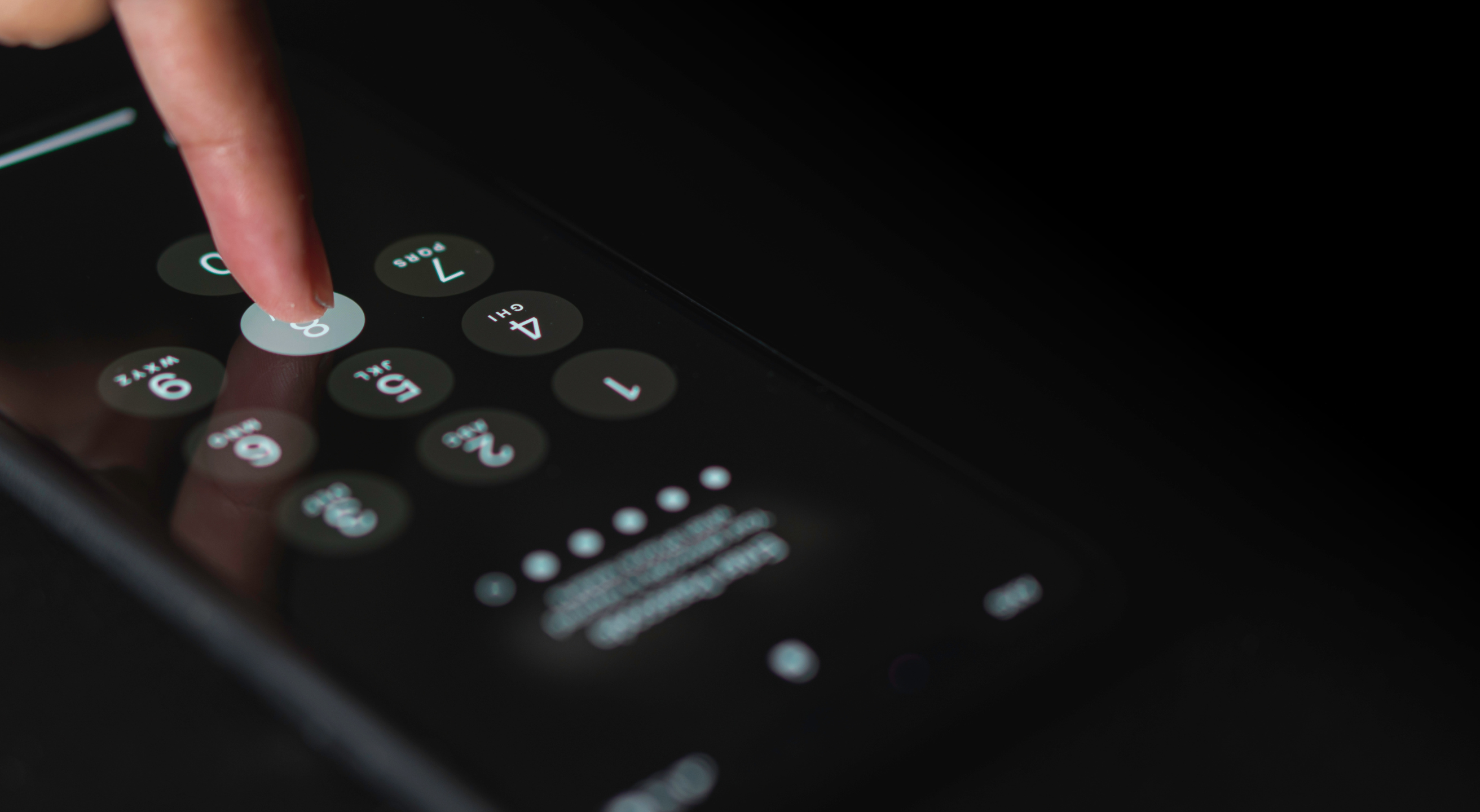
Launched as a more affordable addition to the iPhone 17 series, the iPhone 17e was released to the public on March 11, 2026. With this release, Apple aims to make the iPhone 17 experience, including the A19 chip and the C1X cellular modem, more accessible by lowering the price point.
This affordability raises an important question, though: Does greater accessibility come with any trade-offs in privacy and security?
This guide breaks down the iPhone 17e's privacy and security features, highlights potential areas for improvement, and explores threats that are beyond the reach of device-level protections.
How Apple’s Commitment to Privacy and Security Has Evolved
The evolution of privacy and security across the iPhone lineup has brought significant improvements, many of which are evident in the iPhone 17e, particularly in areas such as:
- Hardware and software synchronization
- Data collection transparency and permission controls
Apple emphasizes user privacy as a core value, describing it as a “fundamental human right.” One of the earliest steps toward a more secure experience was the introduction of biometric security, starting with Touch ID on the iPhone 5 series. This feature, initially integrated into the Home button, was later replaced by Face ID using a TrueDepth camera, starting with the iPhone X—a system still used in the iPhone 17 series.
The iPhone 5s also introduced the Secure Enclave integrated into the SoC. Its hardware-protected environment acts as a secure vault for biometric data and encryption keys. App sandboxing was first introduced with iOS 2.0 as a memory-isolation method that prevented apps from accessing system components. It has evolved into a deeply integrated, hardware-supported security system that remains central to iPhone protection today.
A possible weakness that is unlikely to be addressed in new iPhone releases is its reliance on Apple’s closed operating system (iOS). Unlike open-source alternatives such as GrapheneOS or CalyxOS, iPhone users cannot assess, audit, and customize the code. This leaves the device completely dependent on Apple’s security update timeline, which may not be as rapid, transparent, or flexible as those from open-source platforms.
iPhone 17e Privacy Features
User privacy on the iPhone 17 series is assessed at both the broader device level and the more granular app level. The sections below explore core privacy features of the iPhone 17e:
- App-level privacy
- Personal data protection
- App locking and hiding
- Biometric authentication
1. iPhone 17e App Privacy Features
The iPhone 17e provides privacy data sharing control through App Tracking Transparency (ATT), allowing users to decide whether an app can track their activity across other apps and websites. When opening an app, you’ll be prompted to allow tracking. By tapping Ask App Not to Track, you prevent it from sharing your activity with data brokers and advertisers. This setting controls how app data is handled without affecting the app's functionality.
Privacy settings can be further managed in Settings > Privacy & Security, where you can customize permissions for features such as the microphone and camera. Apps must also request permission before accessing your Clipboard or scanning the local network.
You can manually adjust which third-party apps can access information from your iPhone apps, including Calendar, Photos, and Contacts. It’s also possible to control which apps can access your iPhone's location, limiting it to security-related apps if preferred.
2. iPhone 17e Personal Data Protection
Beyond app-level privacy, iPhone 17e provides broader device-level protections for personal data.
The key iPhone 17e data protection features include:
- Private Cloud Compute
- File-level encryption
- iOS 26.3 location-sharing update
Private Cloud Compute ensures that on-device protections extend to the cloud through Apple Silicon, Apple’s proprietary chip architecture. Unlike traditional cloud systems, where raw data is shared with Apple servers, processing occurs mostly on-device, reducing the likelihood that sensitive data leaves the device. As a result, users can safely use AI-powered functionalities, including Siri suggestions and smart text predictions, without significantly increasing the risk of data exposure.
Apple also employs per-file encryption through its Data Protection system. This approach ensures that even when other layers of protection are compromised, sensitive data, such as health information and messages, is protected by dedicated encryption keys.
iOS 26.3 introduces a new privacy option, Limit Precise Location, which can be enabled in Settings > Cellular > Cellular Data Options. With this update, the data shared with cellular networks can be reduced, limiting the network’s ability to pinpoint your exact location. This option doesn’t impact other location-sharing functionalities, such as Find My.
3. iPhone 17e App Locking and Hiding
Apple allows users to lock or hide some apps, restricting access through Face ID, passcode, or Touch ID for earlier releases. To lock an app on your iPhone 17e, tap and hold the app icon until you see the Quick Actions menu, then select Require Face ID (or Touch ID or Passcode, depending on your preference). Note that pre-installed iPhone apps, including Contacts, Settings, and Maps, cannot be locked.
When you hide an app, it isn’t entirely concealed, as it can still be viewed in Screen Time, Battery Usage By App, and App Store purchase history. You can also assess all your hidden apps in Settings > Apps > Hidden Apps.
Here’s how to hide an app on your iPhone:
- Tap and hold the app icon on the Home Screen to launch the menu
- Select Require Face ID, Touch ID, or Passcode for authentication
- Select Hide App to complete the action
The app will remain disguised in the Hidden folder at the bottom of the App Library.
4. iPhone 17e Biometric Authentication
Face ID has been supported by the TrueDepth camera system since the iPhone X's release, relying on thousands of invisible dots to project the user’s facial features. The system captures and analyzes the pattern, including an infrared face image, to create a highly accurate mathematical representation used for authentication.
Face ID is designed to adapt to different appearances, including face masks, glasses, contact lenses, and hats, and it works in various lighting conditions, both indoors and outdoors. The TrueDepth camera is easily activated by tapping the screen, raising the phone to wake it, or receiving a notification that activates the display.
In addition to helping protect sensitive data and apps, identity-led authentication also provides a significant security safeguard if the device is lost or stolen.
iPhone 17e Security Features
Similar to privacy features, iPhone 17e security improvements aren’t exclusive to this particular model but rely on the established security framework seen in the newest releases, including:
- Secure Enclave
- Encryption and memory security
- Satellite connectivity
1. iPhone 17e Secure Enclave
Secure Enclave is a built-in hardware-operated subsystem that provides an additional level of security independent of the main processor. This means that, even if the Application Processor kernel is targeted by attacks, user data remains protected within the Secure Enclave.
It features a dedicated processor and is completely isolated from the Application Processor by multiple protective layers. Sensitive data, including encryption keys, payment information, and biometric details, is completely isolated from potential malware that could compromise the system via apps or even the operating system itself.
2. iPhone 17e Memory Security
Beyond the Secure Enclave, which stores encryption keys, iPhone memory security relies on a system of interconnected hardware and software components, as outlined in the table below:
Encryption Feature | Description |
Memory Integrity Enforcement (MIE) | iPhone 17e includes Memory Integrity Enforcement, a security technology unique to the iPhone 17 series that hardens iOS against potential attacks. It is integrated into the hardware to consistently protect critical areas, particularly the kernel, from unauthorized access, such as hacking. Key benefits include:
|
Enhanced Memory Tagging Extension (EMTE) | EMTE is another integrated iPhone 17 security innovation that works alongside MIE to detect and assess memory-based threats. It is a memory-tagging system built into the A19 chip, with two key roles:
|
A19 chip | A19 is the iPhone 17e security chip and the newest addition to Apple’s chip lineup, alongside the A19 Pro found in iPhone Air and iPhone 17 Pro. It enables MIE and EMTE, providing hardware-level protection against memory attacks. |
3. iPhone 17e Satellite Connectivity
The iPhone 17e can connect to a satellite for emergency services, including Emergency SOS and Roadside Assistance. These features are particularly beneficial when Wi-Fi or cellular coverage is unavailable. Satellite connectivity enhances safety by enabling communication in remote or off-the-grid areas when other means aren’t available.
When you use the Emergency SOS service, your phone can share your Medical ID and notify your emergency contacts, helping protect your well-being. Your privacy remains secure as personal information is sent directly to responders rather than through broad networks. Note that Emergency SOS via satellite is free for the first two years after activation.
Does the iPhone 17e Meet Today’s Security Standards?
The iPhone 17e inherits Apple’s core privacy and security mechanisms, with the standout feature being the new and improved Memory Integrity Enforcement (MIE) system. As a more accessible new addition to the iPhone 17 family, it delivers the strong protections expected from Apple’s latest release.
Apple proudly notes that a successful malware attack targeting iPhone has never been achieved, and that, even in the face of more sophisticated attacks, Apple’s memory safety architecture is designed to address threats at the core. While the iPhone 17e employs robust defense mechanisms, certain risks, especially those beyond the reach of systems such as MIE, arise from mobile networks rather than the device itself.
Telecom architecture relies on inherent trust between devices and networks. Even a secure device can be affected by threats such as data breaches, SIM swaps, and surveillance carried out by big telcos. Major carriers, including AT&T, Verizon, and T-Mobile, often rely on outdated security protocols, actively sell sensitive user data to advertisers, and are targeted by breaches.
Large networks don’t just blindly trust each other; they also collect and store more consumer data than necessary, leaving sensitive information vulnerable to both internal and external attacks. Switching to a privacy-first mobile carrier like Cape, combined with a secure device, establishes a layered defense that gives you greater control over your digital privacy.
Cape Makes Security the Standard: Here’s How
Cape is America’s privacy-first mobile carrier, providing premium, unlimited, and nationwide call, text, and data. Unlike other providers, our service is built from the ground up with privacy and security at its core.
Mainstream carriers track you and store your data, often without your consent. Cape takes a different path—we collect the absolute minimum amount of information to provide you with service.
Any information we do collect is retained for the minimum amount of time possible. Most carriers store call data records (CDRs) for years, sometimes indefinitely. Cape stores yours for just 24 hours, and we have a commitment to never sell your data.
Cape service includes security features that no other carrier offers:
- Minimal Data Collection: During onboarding, we don’t ask for your name, Social Security number, or address. We only collect what’s necessary to provide you with service, and we retain it for the minimum amount of time possible.
- Identifier Rotation: Every SIM card has an International Mobile Subscriber ID (IMSI), a unique identifier which your device uses to register with cellular networks. Most carriers assign a fixed IMSI that stays the same for the life of your account, making it easy for your carrier, advertisers, and bad actors to identify and track your device over time. Cape breaks that pattern by allowing subscribers to automatically rotate their IMSI every 24 hours, so you appear as a different subscriber every day, making it much more difficult for anyone to follow or track your movements.
- Secondary Numbers: Your phone number is a target for data brokers and scammers. Retailers, websites, apps—everyone is routinely asking you to share your number with them, which exposes you to a variety of risks. Many turn to VoIP numbers to use as secondary lines, which can be helpful, but cost extra, don’t work with 2FA, and aren’t encrypted. Cape provides subscribers with two free additional SMS/MMS lines that are middle-to-end encrypted. With secondary numbers, you can reserve your primary number for communicating with your close friends and family, and use the other for anything from shopping and signing up for discounts, to receiving secure OTPs.
- Disappearing Call Logs: Call and text records reveal a lot about you, from who your closest relationships are to when and where communication took place. With traditional carriers, your call and text metadata doesn’t just disappear; it’s retained, analyzed, and folded into a lasting customer profile. At Cape, we’re built to forget and delete these records after just one day.
- SIM Swap Protection: A SIM swap happens when an attacker convinces your carrier to transfer your number to their device, allowing them to receive your calls and texts, trigger password resets, and gain access to your accounts. Cape protects against SIM swaps by removing humans entirely from the loop. During sign-up, you receive a 24-word phrase that generates a private key tied to your number. This phrase is the only way to move your number to a new device or carrier. No one, not even Cape, can transfer your number without your phrase, giving you full control over your number.
- Network Lock: Traditional cellular networks were designed for interoperability, not security. Outdated and legacy network protocols like SS7 have vulnerabilities that allow attackers to hack in and track your location, intercept your calls and texts, and steal sensitive information. Cape’s Network Lock uses a proprietary signaling proxy to verify that your device’s physical location matches the network it’s trying to attach to. If anything looks suspicious, like a mismatched location, we block the connection.
- Encrypted Voicemail: Voicemails can reveal more than you think, from personal messages to authentication codes, yet most voicemail systems are outdated and unencrypted. Cape encrypts your voicemails so that only you can access them.
- Secure Global Roaming: While you’re traveling abroad, your phone connects to local telecom providers to provide you with connectivity. But not all networks are secure, and not all governments treat privacy the same. Cape routes your traffic through our U.S.-based mobile core. Our Secure Global Roaming gives you the convenience of international data roaming without exposing your identity or communications. You get up to 15GB per month of international roaming included in your plan.
These features are made possible because we’re a “Heavy” Mobile Virtual Network Operator (MVNO).
Other MVNOs (such as Mint Mobile, Cricket, etc.) simply ride on top of the mobile core, SIMs, and physical infrastructure of their underlying MNO partner. At Cape, we actually own our own mobile core and provision our own SIMs.
This gives us control over how accounts are authenticated, what data we do and don’t collect, how long we retain it for, as well as the ability to build proprietary features like Identifier Rotation. No other carrier on the market has this capability.
Reclaim Your Privacy: Switch to Cape Today
Ready to ditch traditional telcos and switch to a privacy-first mobile carrier? Visit cape.co/get-cape to sign up.
Thanks to our partnership with Proton, you can also take your privacy a step further and get Proton Unlimited or Proton VPN Plus for only $1 for the first six months.
Share it
