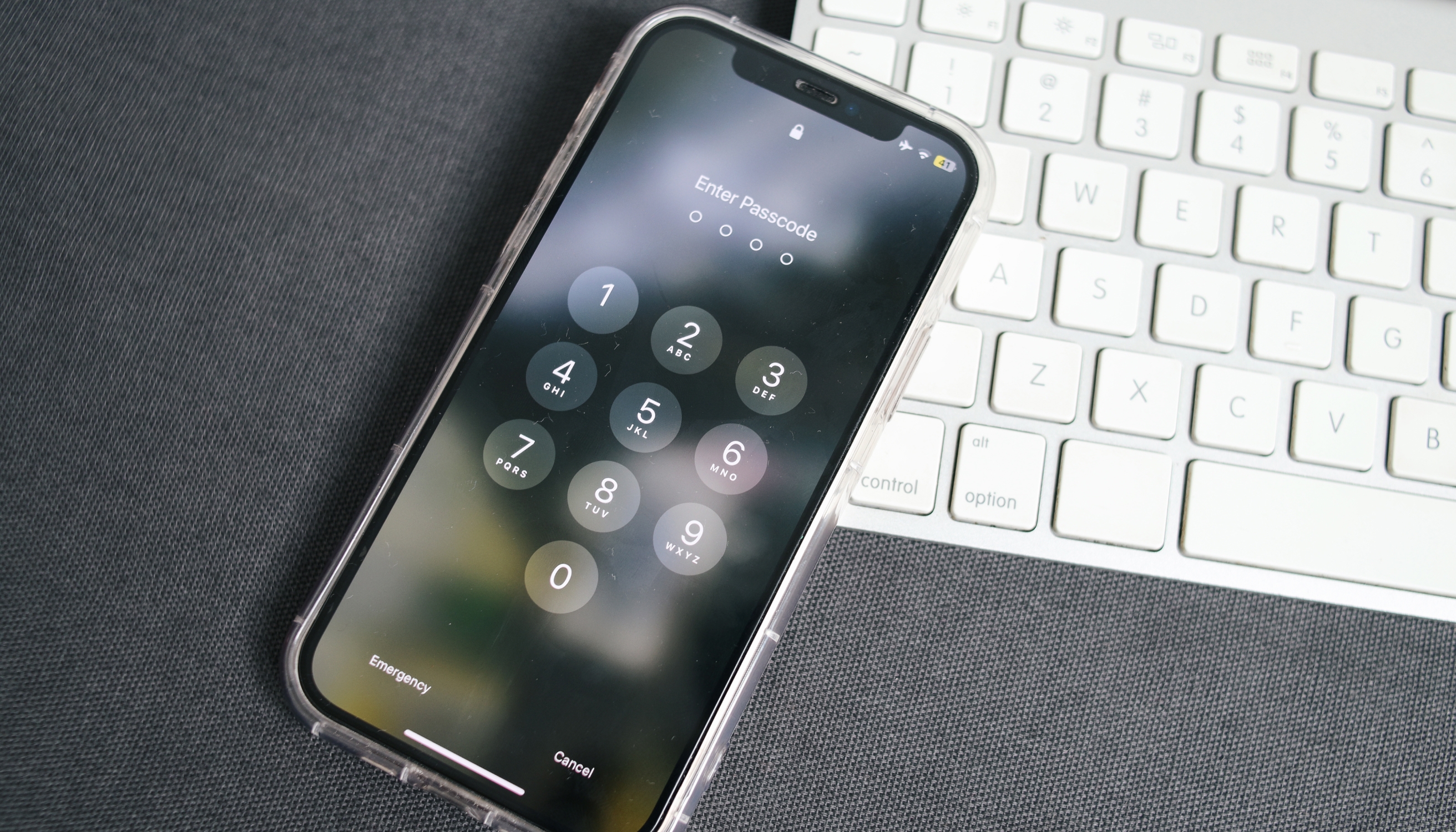
For activists and journalists, mobile phones are essential tools for documenting events and communicating with others during field reporting, protests, or high-risk situations. Consequently, mobile devices contain various sensitive details that tend to draw attention from authorities and law enforcement agencies.
But can the police get into your phone without a passcode? In this guide, we’ll discuss applicable laws and explain your rights and obligations to provide definite answers.
Can the Police Search Your Phone if It’s Locked? Your Rights Explained
Locking your phone is the number one rule before attending any high-risk or mass-level event. This action protects the sensitive information stored on your device and ensures prying eyes can’t see it if your phone gets lost or stolen.
If the police detain you and request to search your phone, they’ll immediately see that your device is protected by a password, pattern, or biometric authentication. In most cases, they’ll ask you to unlock your phone, but do you have to comply with their request? Two constitutional amendments in the United States shed more light on your rights in this case:
- The Fourth Amendment
- The Fifth Amendment
The Fourth Amendment
The Fourth Amendment protects U.S. citizens from “unreasonable searches and seizures.” This federal law is designed to:
- Protect your privacy by limiting and offering protection against unjustified government intrusion.
- Prevent arbitrary searches and seizures by ensuring that searches and seizures are based on a legitimate reason, not a police officer’s desire to go through your phone.
According to the Fourth Amendment, in most cases, the police need a warrant to search your phone.
The case that confirmed how the Fourth Amendment provisions apply in the digital age was Riley v. California in 2014. Before the ruling, the police were able to search anyone’s phone without a warrant, much like other possessions, such as wallets or bags. The U.S. Supreme Court recognized that mobile phones can’t be treated like other physical possessions because they contain vast amounts of personal information, and going through them is an unacceptable intrusion of privacy.
The Court’s ruling that law enforcement must get a warrant to search a mobile phone after the person is arrested was a landmark decision that confirmed the importance of stronger privacy protection measures when it comes to phone searches.
The Fifth Amendment
Suppose you were detained, and the law enforcement has obtained a warrant to search your locked phone. Does the warrant force you to reveal the unlock method? According to the Fifth Amendment, the answer isn’t as straightforward.
Among other protections, the Fifth Amendment protects individuals from self-incrimination, meaning you cannot be forced to provide evidence that could be used against you. This is known as the right to remain silent. The question arises: Is unlocking your phone considered self-incrimination? Although the law remains unclear on this matter, previous court rulings provide further insight into how unlocking a phone is treated.
Generally, there’s a distinction based on how your phone is locked:
Device Lock Method | Explanation |
Password or pattern | Revealing your password or pattern is typically considered a form of testimony. Courts have held that this violates the Fifth Amendment’s protection against self-incrimination. |
Biometric authentication | Unlocking your phone with your fingerprint or face is generally not considered a violation of the Fifth Amendment. The reasoning behind this is that these are your physical characteristics; they do not constitute self-incriminating evidence. |
Since the Supreme Court has yet to settle this matter, lower courts can draw their own, often conflicting, conclusions. As a result, whether or not the police can ask you to unlock your phone depends on the jurisdiction and the specifics of the case.
Can the Police Go Through Your Phone Without a Warrant?
In most cases, the police need a warrant to search your phone, but there are a few exceptions:
- Consent: If you agree to a phone search, law enforcement can go through your phone without obtaining a warrant. It’s important that the consent is given voluntarily, without coercion.
- Exigent circumstances: If there are urgent circumstances that require immediate action, the police don’t need a warrant to search your phone. These circumstances include preventing harm or danger to life, pursuing a fleeing suspect, and preventing the destruction of evidence.
- Searches at the border: If you’re detained by a U.S. Customs and Border Protection (CBP) officer, you may be asked to unlock your phone even if there’s no warrant. This is a legally gray area as CBP officers usually have broader authority to search devices, but there’s no law that prescribes whether you’re obliged to reveal your passcode.
- Parole or probation status: If you’re on probation or parole, law enforcement may have the liberty to search your phone without a warrant, but this often depends on the jurisdiction.
What Can You Do if You’re Asked To Unlock Your Phone? 5 Tips
If law enforcement detains you and requests that you unlock your phone, here’s what to do:
- Remain calm and respectful: Be polite when interacting with law enforcement. Hostility and agitation can further complicate your interaction with police officers and unnecessarily escalate the situation.
- Clearly state you don’t agree to the device search: Say, “I don’t give my consent to a search of my phone.” You can also mention your Fourth and Fifth Amendment rights.
- Ask about your detention status: Ask officers if you’re free to go. If you’re not, ask why you’re being detained before answering questions.
- Cooperate, but don’t offer information: Be cooperative, but don’t volunteer unnecessary information, especially if it could compromise you or your fellow activists or journalists. Don’t hand over your phone unless you’re present with a warrant or a valid exception for a warrantless search.
- Request to call your lawyer: Exercise your right to request legal counsel before complying with law enforcement’s requests.
Some police officers may try to pressure or mislead you into giving consent to a phone search, though legally, consent must be voluntary. For example, they may say something like, “If you have nothing to hide, why are you refusing the search?” Keep in mind that Fourth and Fifth Amendment rights protect all U.S. citizens, regardless of their guilt, innocence, or involvement in a specific event.
If you’re required to hand over your phone, you may think that quickly deleting certain data or conversations will keep you safe. This isn’t true as law enforcement can sometimes recover deleted information using specialized forensic tools, though success depends on the device and its security features.
How Can You Enhance Your Device’s Security?
Police device searches aren’t the only threat activists and journalists face in the field. They’re also exposed to risks such as hacking attempts, surveillance, malware, phishing, and other forms of cyberattacks. As data protection is the number one priority, below are a few tips that can help you keep your device secure and prevent unauthorized access:
- Use encrypted apps and disappearing messages for communication
- Disable biometric unlocking
- Leverage secure folders for storing confidential information
- Back up important data
- Use a secure mobile carrier
1. Use Encrypted Apps and Disappearing Messages for Communication
Apps that offer end-to-end encryption (E2EE) ensure that nobody but you and the person you’re communicating with can see the content of the messages, reducing the risk of interception.
Popular options include WhatsApp and Signal as they offer E2EE by default. Additionally, these apps offer a convenient feature for maximum communication privacy; they enable you to send and receive timer-based disappearing messages.
2. Disable Biometric Unlocking
We’ve mentioned that the law currently doesn’t clearly state whether you’re legally obliged to unlock your phone with biometric authentication if requested by the police. To be on the safe side, it’s best to disable biometric unlocking altogether and instead use a password or pattern to protect your device. Here are a few tips to help you properly secure your phone:
- Use a combination of numbers and letters
- Set up a long password as shorter ones are easier to guess
- Avoid using personal information in your passwords (such as your date of birth, name, or age)
- Mix upper and lowercase letters
- Avoid writing your passwords down
3. Leverage Secure Folders for Storing Confidential Information
Modern Android devices offer a dedicated secure folder feature where you can store photos, videos, and files you’d like to keep private. You can protect this folder with a preferred password or pattern to encrypt and hide its content.
The availability of this option typically depends on the manufacturer; for example, Samsung offers a Secure Folder feature, while Google Pixel has a Safe Folder. iPhones don’t come with this option built in, but you can use third-party software to lock specific files or create encrypted folders.
4. Back Up Important Data
To protect valuable information from confiscation, loss, or unauthorized access, it’s crucial to back it up and delete it from your phone. If your device gets stolen, lost, or damaged, having a backup ensures you never lose access to important data.
For backup, you can use encrypted cloud storage, but ensure the provider is reliable and offers robust data protection options. Another option is to use an external hard drive and keep it in a safe location.
5. Use a Secure Mobile Carrier
Network-level threats such as SIM swaps, SS7 attacks, or IMSI catchers allow malicious actors and even authorities to access your device and intercept communications, often without your knowledge. In some cases, the carrier’s network itself could be compromised, resulting in severe data breaches and leaks.
Whether you’re an activist, journalist, or protester, your priority is reducing potential entry points to your device, and a privacy-first carrier such as Cape can help. With a modern infrastructure and a range of options designed to enhance mobile network security, Cape can strengthen your data privacy and provide a reliable connection across the U.S.
Unlike many other carriers, we collect only the minimal amount of your data necessary to provide service. In the unlikely event that our systems are compromised, hackers won’t be able to access your information since we don’t store it.
We’re also equally transparent about how we address government requests. As outlined in the Cape privacy policy, we are required to comply with lawful requests, but our privacy model limits the footprint of the data we can hand over.
How Does Cape Handle Law Enforcement and Other Government Requests?
As a Mobile Virtual Network Operator (MVNO), Cape is required to comply with lawful requests for subscriber and related information from law enforcement and other government requestors—for example, requests under the federal Stored Communications Act. Our privacy policy limits the personal information we retain, so there’s little we can provide in response to lawful requests.
In addition, before making any disclosure, Cape will notify subscribers of receipt of any legal process seeking disclosure related to their accounts. This gives you the opportunity to challenge that request.
In cases where we are explicitly prohibited by law or court order from notifying a subscriber about a government request, we will challenge any such request that is not narrowly tailored or otherwise lawful. To date, Cape has not received any requests for subscriber data that contained a nondisclosure obligation.
In other words, while Cape respects the role of law enforcement in an organized society, we take all reasonable measures to keep our subscribers informed and to protect them against overreach.
To help journalists and activists fight back against unfair instances of targeted surveillance, Cape has launched a program to provide them free private and secure cellular service—apply to see if you’re eligible.
Cape: The Carrier Built for Security and Privacy
Cape is a privacy-first mobile carrier designed to keep your communications safe from surveillance and misuse. Unlike traditional cell phone plan providers, our business model centers around providing you with premium and secure call, text, and data, rather than harvesting and selling your information.
Our service is built from the ground up with privacy and security at its core, offering unique features like:
Privacy & Security Feature | Description |
Cape doesn’t ask for your name, address, or Social Security number. We only collect the information necessary to provide service, and we retain that information for the minimum amount of time possible. | |
Traditional carriers rely on a fixed International Mobile Subscriber ID (IMSI) to connect your device to cellular networks. This is a vulnerability that lets carriers, advertisers, and bad actors identify and track your device. Cape lets subscribers automatically rotate their IMSI every 24 hours, making it infinitely more difficult to track you or your device. | |
Many services ask for your phone number, but sharing it exposes you to spam, scammers, data brokers, and a variety of other risks. VoIPs, on the other hand, don’t work with 2FA, cost extra, and aren’t encrypted. With Cape, you get two free additional SMS/MMS lines that are middle-to-end encrypted. | |
Most U.S. carriers store your call and text metadata for years, sometimes indefinitely. Cape is built to forget, so call data records (CDRs) are deleted after just 24 hours. | |
Cape nullifies the threat of SIM swapping by completely removing humans from the loop. During signup, you receive a 24-word phrase that generates a private key tied to your number. This effectively means that no one (but you) can move your number to a new carrier or device, not even Cape. | |
Legacy network protocols, like SS7, leave you vulnerable to hackers that can track your location, intercept your calls and texts, and steal sensitive information. Cape’s Network Lock relies on a proprietary signaling proxy to verify that your device’s physical location matches the network it’s trying to attach to. If we detect anything out of the ordinary, Cape automatically blocks the connection, nullifying the potential threat. | |
Traditional voicemail systems are outdated, unencrypted, and another security hole bad actors can exploit to gain access to your sensitive information. Cape encrypts all voicemails, ensuring only you can access them. | |
While roaming, your phone connects to local telecom providers to enable service. But, who knows who might be listening on the other end. Cape provides you with peace of mind by routing your traffic through our U.S.-based mobile core, ensuring your identity, data, and communications remain private and secure. |
Ditch Legacy Carriers: Get Cape Today
Cape is a “Heavy” Mobile Virtual Network Operator (MVNO), meaning we own our mobile core and provision our own SIMs. This gives us full control over how accounts are authenticated and what data is collected (and for how long), and is how we are able to provide privacy and security features no other carrier on the market can offer.
Get started with Cape today and enjoy the peace of mind, knowing you are fully protected against scammers, hackers, bad actors, and other mobile threats.
To help protect more than just your phone, we’ve partnered with Proton. As a new Cape subscriber, you can choose between Proton Unlimited and Proton VPN Plus for just $1 for six months.
FAQs
If I refuse to unlock my phone, can the police use forensic tools to bypass the passcode?
Does the Fifth Amendment protection against biometric compulsion apply everywhere?
What's the most secure phone configuration for protesters or activists?
Share it
