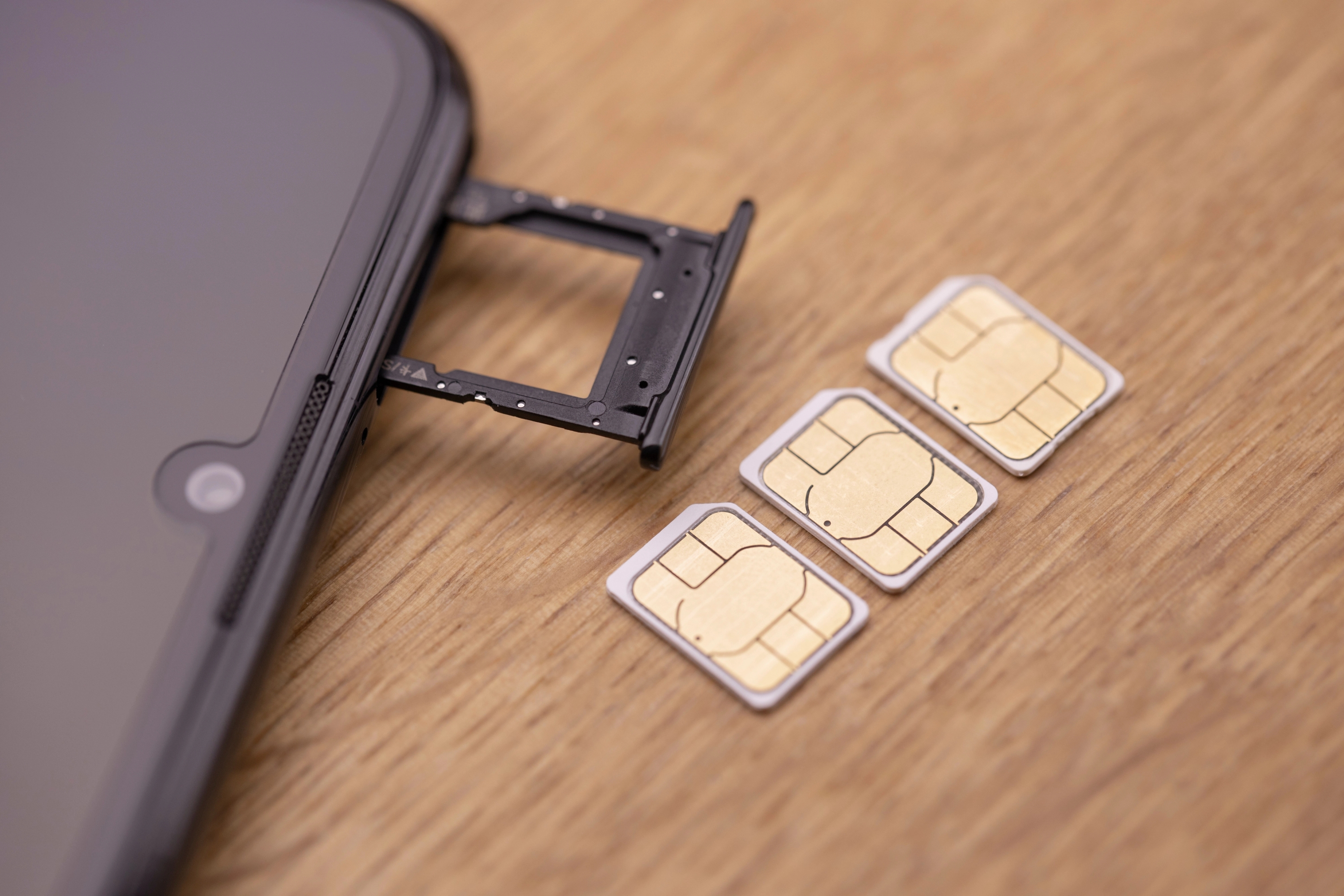
As SIM cards connect your mobile device to the network, they represent a gateway to your digital identity. These pieces of plastic are indirectly linked to your apps and accounts, making them an appealing target for hackers.
SIM cloning is a common hacking method that can result in account lockouts and financial and identity theft. To prevent these consequences, it’s crucial to understand how SIM cloning works and how to minimize the risks of becoming a victim.
In this guide, we’ll explain what SIM cloning is and how it works. We’ll cover key risks and prevention methods to help you avoid SIM cloning attacks.
What Is SIM Cloning?
SIM cloning is a type of hack that involves the unauthorized duplication of a SIM card onto a blank one, allowing the perpetrator to register on the network as the owner. Once a SIM card is cloned and registered, the hacker receives all communication that would otherwise go to the original SIM card.
Besides being able to receive and send messages and calls, the hacker can use the cloned SIM card to:
- Leverage SMS two-factor authentication (2FA) and access your apps, accounts, and cryptowallets
- Trick your family and friends into revealing sensitive information
- Gain access to apps that require your phone number for verification
- Use services that require identity verification via phone
- Reset account passwords
- Enroll your number for new services
Note: SIM cloning isn’t the same as SIM swapping. The latter uses social engineering to trick the carrier into porting a phone number to a new SIM card. SIM cloning doesn’t require contacting the carrier.
How Does SIM Cloning Work?
SIM cloning occurs in three stages:
- Accessing the SIM card: SIM cloning doesn’t require physical access to the SIM card; that’s a common misconception. While gaining physical access to the card and using specialized hardware to copy data is one method, it’s not the only one. There are more sophisticated remote access options, from purpose-built SIM management apps to strategies that involve social engineering or phishing.
- Extracting the information: Cloning a SIM card involves extracting specific data, including the device's unique International Mobile Subscriber Identity (IMSI) and authentication key (Ki). The Ki is a 128-bit secret stored only on the SIM and at the carrier's authentication server; it never leaves the card under normal operation. SIM cloning attempts to extract it, allowing the cloned card to impersonate the original during the carrier's authentication challenge.
- Registering on the network: The final step is to connect to the network using the cloned SIM card. Networks (especially those with poor security protocols) can’t differentiate between the original and the cloned SIM card and grant access to the clone.
Efficient SIM Cloning Detection Methods: 5 Signs To Focus On
Detecting SIM cloning is challenging, especially in the initial stages. There are virtually no telltale signs that your card is about to be cloned until the cloned SIM card is registered on the network. Here are a few potential indications of a compromised SIM card:
- Loss of service
- Account lockouts
- Suspicious phone bills
- Unexpected login attempts
- Family and friends receiving unusual messages
1. Loss of Service
A phone number can only be associated with one SIM card. A sudden loss of service can be a clear indication of a cloned SIM, signaling that a hacker has successfully completed the cloning process and established a connection to the network.
If you’re in an area where you usually receive service, you’re certain you’ve paid your bill, and you see the 'no service' notification on your phone, reach out to your carrier as soon as possible using another device.
Note: Sudden loss of service doesn’t automatically indicate a cloned SIM card. Other issues could trigger it, including technical issues on your carrier’s end or a device malfunction. To be on the safe side, check with your carrier to ensure SIM cloning isn’t the root of the problem.
2. Account Lockouts
When a hacker clones your SIM card, they could use your number to reset account passwords. As a result, you could be locked out of your:
- Email account
- Banking app
- Streaming platform
- Social media accounts
- Cryptocurrency wallets
The easiest way to spot this is if you’re always locked into an app or service on your phone. A sudden lockout is alarming and should prompt you to act immediately and investigate the cause.
Before suspecting SIM cloning, pay attention to:
- Properly entering your username and password: A spelling error could lock you out, especially if you enter the wrong username and password several times in a row.
- Potential app updates: Apps can log you out of your account after routine updates.
- Security protocols: Your new location or any other change may cause the app to log you out for security reasons. You should be able to log back in right away.
- App issues: Technical issues could prevent you from logging into an app. Check your app store or online forums for updates.
3. Suspicious Phone Bills
Calls and messages to unknown numbers indicate that someone else is using your SIM card and that your device’s security has been compromised. The same applies to unexpected charges. International calls or unusual data usage may be a sign of a cloned SIM card.
If you notice suspicious activity on your phone bill, contact your carrier immediately. They should be able to clarify the charges and take appropriate action to prevent further financial loss.
4. Unexpected Login Attempts
Once a hacker clones your SIM card, they can use it to bypass two-factor authentication (2FA) or reset your passwords. In either case, you may receive a notification or a security alert warning you of an attempt to log into your account. If you’re on Wi-Fi, you’ll see such notifications even if you don’t have service.
Don’t ignore these warnings; even if your SIM is cloned, you still have time to prevent hackers from causing further damage by logging into your apps and accounts. Acting immediately allows you to set up new authentication methods and defend your accounts from hackers.
5. Family and Friends Receiving Unusual Messages
Hackers could use your cloned SIM to text your contacts, often including malicious links in the messages. These links lead to phishing sites that steal your contacts’ information or install malware on their phones, exposing them to data theft.
If a family member or friend reaches out and mentions they’ve received an unusual message from you, take it as a sign that your SIM card has been compromised, whether through cloning or swapping.
How To Prevent SIM Cloning
Unfortunately, there’s no surefire method that could guarantee you won’t be exposed to SIM cloning. More sophisticated cloning methods constantly arise due to technological advancements, and it’s impossible to eliminate every single risk.
While absolute immunity isn’t an option when it comes to SIM cloning, specific preventative measures can minimize risks and enhance your overall security:
- Avoiding SMS 2FA
- Switching to an eSIM
- Monitoring accounts
- Choosing a reliable mobile carrier
Avoiding SMS 2FA
Although it’s a standard authentication method, SMS-based 2FA isn’t secure enough. Anyone who gains access to your SIM can use it to intercept verification codes and potentially take over your accounts.
If you rely on SMS 2FA and your SIM card gets cloned, your privacy and security could be severely compromised. Hackers could access your data and use it for further attacks. For peace of mind and improved protection, choose more secure authentication methods, such as:
- Authenticator apps
- Physical security keys
- Biometric authentication
Switching to an eSIM
Although remote access options are available, SIM cloning typically occurs when a hacker is in physical proximity to your SIM card. By switching to an eSIM (a digital SIM card), you avoid the physical vulnerability of traditional SIM cards; since eSIMs are embedded into your device, hackers can’t access or steal them.
Switching to an eSIM has other benefits too, including:
Benefit | Explanation |
Convenience | You can have multiple eSIM profiles and switch between them at your convenience. |
You can easily set up a new eSIM while traveling abroad (e.g, Asia, Europe) or even throughout the U.S. | |
Security | You don’t have to worry about unauthorized access or theft, as eSIMs can’t be physically removed from your device. |
Monitoring Accounts
There isn’t a way to predict that SIM cloning will occur, but that doesn’t mean you should only wait for consequences. In many cases, the damage triggered by SIM cloning can be minimized or even avoided if you take appropriate action at the first sign of red flags, such as:
- Account login attempts
- Unexpected loss of service
- Updated account passwords
- Unusual data usage patterns
Closely monitoring your accounts and any unusual or suspicious activity on them is crucial for detecting attacks early, before hackers have had a chance to cause significant damage. Properly respond to any sign of unusual activity, whether that’s contacting your carrier or changing passwords.
Choosing a Reliable Mobile Carrier
Besides providing strong and reliable coverage, mobile carriers also play an important role in protecting you and your device against network-level threats.
However, not all carriers offer the same level of protection. Outdated infrastructure, loose data collection and storage policies, and a lack of advanced security and privacy options can be counterproductive, and the stakes have only risen.
The Salt Typhoon campaign, a Chinese state-sponsored intrusion disclosed in late 2024 and still unfolding through 2026, exposed call records and subscriber data across at least nine U.S. carriers, including AT&T, Verizon, and T-Mobile. When a carrier's infrastructure is so easily compromised, every customer's risk of SIM-level attacks, breach exposure, and unauthorized access increases.
A privacy-focused carrier such as Cape combines excellent coverage with robust protection mechanisms. The carrier offers:
- A software-based mobile core that isn’t trust-based
- A range of advanced security options
- Minimal data collection policies to minimize the risk of data leaks and breaches
- Digital cryptography to prevent SIM tampering
Together, these capabilities and protective measures shield your number and device from external threats, making SIM cloning, SIM swapping, and other attacks much harder to execute.
Cape Makes Security the Standard: Here’s How
Cape is America’s privacy-first mobile carrier, providing premium, unlimited, and nationwide call, text, and data. Unlike other providers, our service is built from the ground up with privacy and security at its core.
Mainstream carriers track you and store your data, often without your consent. Cape takes a different path—we collect the absolute minimum amount of information to provide you with service.
Any information we do collect is retained for the minimum amount of time possible. Most carriers store call data records (CDRs) for years, sometimes indefinitely. Cape stores yours for just 24 hours, and we have a commitment to never sell your data.
Cape service includes security features that no other carrier offers:
- Minimal Data Collection: During onboarding, we don’t ask for your name, Social Security number, or address. We only collect what’s necessary to provide you with service, and we retain it for the minimum amount of time possible.
- Identifier Rotation: Every SIM card has an International Mobile Subscriber ID (IMSI), a unique identifier which your device uses to register with cellular networks. Most carriers assign a fixed IMSI that stays the same for the life of your account, making it easy for your carrier, advertisers, and bad actors to identify and track your device over time. Cape breaks that pattern by allowing subscribers to automatically rotate their IMSI every 24 hours, so you appear as a different subscriber every day, making it much more difficult for anyone to follow or track your movements.
- Secondary Numbers: Your phone number is a target for data brokers and scammers. Retailers, websites, apps—everyone is routinely asking you to share your number with them, which exposes you to a variety of risks. Many turn to VoIP numbers to use as secondary lines, which can be helpful, but cost extra, don’t work with 2FA, and aren’t encrypted. Cape provides subscribers with two free additional SMS/MMS lines that are middle-to-end encrypted. With secondary numbers, you can reserve your primary number for communicating with your close friends and family, and use the other for anything from shopping and signing up for discounts, to receiving secure OTPs.
- Disappearing Call Logs: Call and text records reveal a lot about you, from who your closest relationships are to when and where communication took place. With traditional carriers, your call and text metadata doesn’t just disappear; it’s retained, analyzed, and folded into a lasting customer profile. At Cape, we’re built to forget and delete these records after just one day.
- SIM Swap Protection: A SIM swap happens when an attacker convinces your carrier to transfer your number to their device, allowing them to receive your calls and texts, trigger password resets, and gain access to your accounts. Cape protects against SIM swaps by removing humans entirely from the loop. During sign-up, you receive a 24-word phrase that generates a private key tied to your number. This phrase is the only way to move your number to a new device or carrier. No one, not even Cape, can transfer your number without your phrase, giving you full control over your number.
- Network Lock: Traditional cellular networks were designed for interoperability, not security. Outdated and legacy network protocols like SS7 have vulnerabilities that allow attackers to hack in and track your location, intercept your calls and texts, and steal sensitive information. Cape’s Network Lock uses a proprietary signaling proxy to verify that your device’s physical location matches the network it’s trying to attach to. If anything looks suspicious, like a mismatched location, we block the connection.
- Encrypted Voicemail: Voicemails can reveal more than you think, from personal messages to authentication codes, yet most voicemail systems are outdated and unencrypted. Cape encrypts your voicemails so that only you can access them.
- Secure Global Roaming: While you’re traveling abroad, your phone connects to local telecom providers to provide you with connectivity. But not all networks are secure, and not all governments treat privacy the same. Cape routes your traffic through our U.S.-based mobile core. Our Secure Global Roaming gives you the convenience of international data roaming without exposing your identity or communications. You get up to 15GB per month of international roaming included in your plan.
These features are made possible because we’re a “Heavy” Mobile Virtual Network Operator (MVNO).
Other MVNOs (such as Mint Mobile, Cricket, etc.) simply ride on top of the mobile core, SIMs, and physical infrastructure of their underlying MNO partner. At Cape, we actually own our own mobile core and provision our own SIMs.
This gives us control over how accounts are authenticated, what data we do and don’t collect, how long we retain it for, as well as the ability to build proprietary features like Identifier Rotation. No other carrier on the market has this capability.
Reclaim Your Privacy: Switch to Cape Today
Ready to ditch traditional telcos and switch to a privacy-first mobile carrier? Visit cape.co/get-cape to sign up.
Thanks to our partnership with Proton, you can also take your privacy a step further and get Proton Unlimited or Proton VPN Plus for only $1 for the first six months.
FAQs
Can my SIM be cloned without my phone leaving my pocket?
Are eSIMs immune to cloning?
What should I do immediately if I think my SIM has been cloned?
Can law enforcement catch someone who cloned my SIM?
Share it
