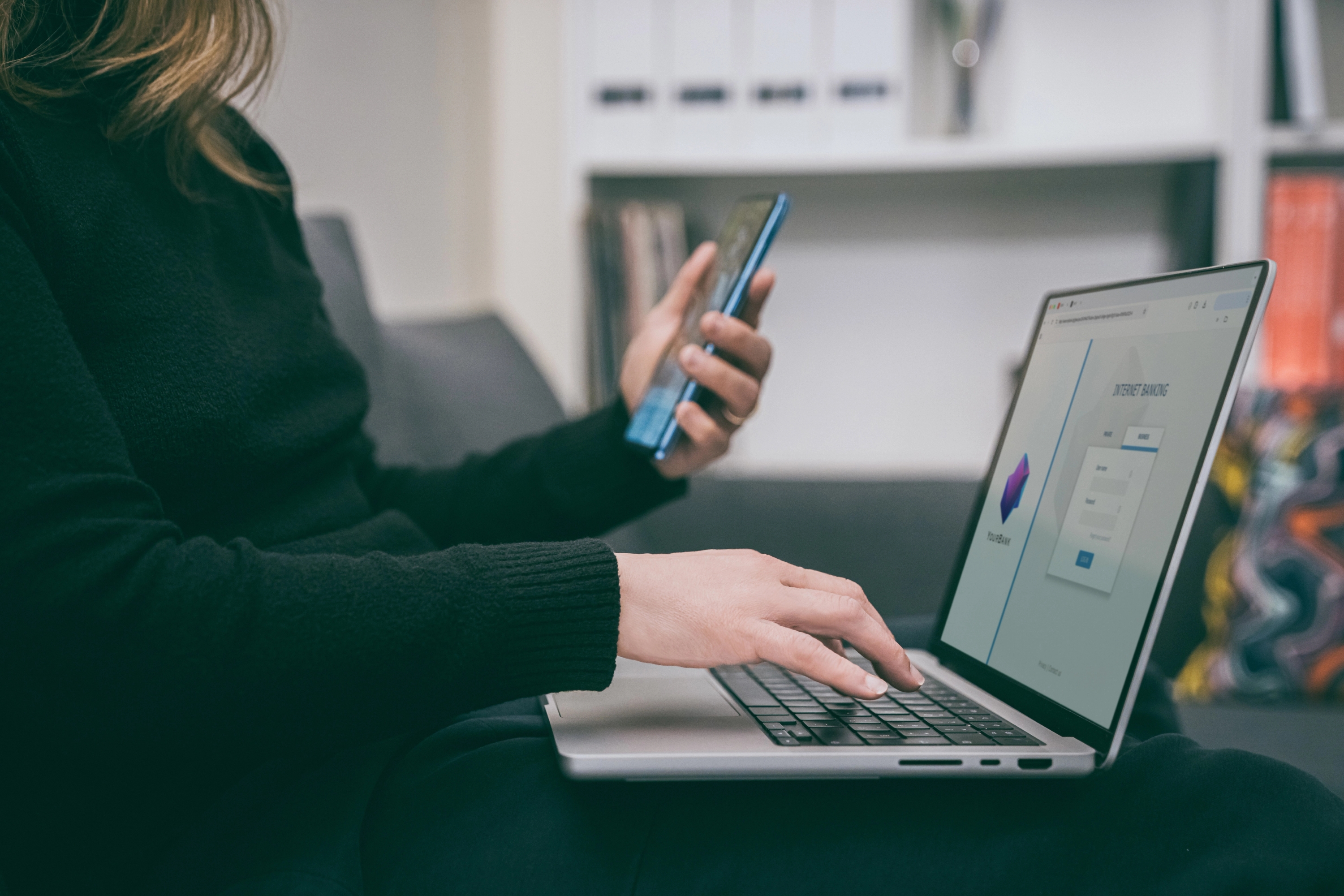
SMS two-factor authentication (2FA) remains one of the most common 2FA methods despite its known weaknesses. Across 2024 industry surveys, roughly 40%–56% of users still rely on SMS-based 2FA for at least one account, making it the most widely used 2FA method, even as authenticator apps and biometrics gain ground.
Despite its popularity, SMS 2FA doesn’t offer a high level of security. In fact, it’s one of the least secure 2FA methods, which can expose your device to numerous risks and potentially compromise your mobile identity and sensitive information.
So, why is SMS 2FA not secure? In this guide, we’ll answer the question and discuss the specific reasons why this method of authentication falls short in protecting you. We’ll also discuss ways to enhance your device’s security and minimize the risk of cyberattacks and other threats.
Why Is SMS 2FA Risky? Key Reasons To Consider
In December 2024, in direct response to the Salt Typhoon telecom intrusions that compromised at least nine U.S. carriers, including AT&T, Verizon, and T-Mobile, the Cybersecurity and Infrastructure Security Agency (CISA) published guidance on mobile communications for highly targeted individuals.
The recommendation was unambiguous: move away from SMS-based multi-factor authentication, because attackers with carrier-level access can intercept SMS codes regardless of how careful the end user is.
Here are a few reasons why SMS 2FA isn’t secure enough:
- Lack of encryption
- Risk of smishing
- Risk of SIM swapping
1. Lack of Encryption
Standard SMS messages aren’t end-to-end encrypted. Once you send an SMS, it travels through your carrier’s system to your recipient’s carrier network and then to the recipient’s device.
As the messages aren’t encrypted, there’s a high risk of interception, and third parties (e.g., hackers, carriers, or authorities) could read their content. In the SMS 2FA context, a third party could see the one-time password (OTP) you get via SMS when trying to log into an app or complete a purchase and use it themselves.
Depending on your settings, hackers could access your mobile banking apps and authorize transactions with the SMS OTP even if they don’t know your passwords.
2. Risk of Smishing
Smishing (or SMS phishing) involves cybercriminals sending fraudulent text messages to individuals to trick them into revealing their personal information and passwords. While smishing isn’t directly connected to SMS 2FA, hackers often use it as a tactic to get users to share their SMS OTPs, which they later leverage to access accounts and apps.
To make the messages believable, hackers use sophisticated tactics, such as:
Tactic | Explanation |
Creating a sense of urgency | Hackers will try to get you to act immediately (often without too much thinking) by claiming your account will be locked or a transaction won’t be authorized if you don’t send your SMS OTP right away. |
Posing as your bank or another trusted organization | Hackers often impersonate banks, the IRS, or other reputable institutions to build trust and trick you into divulging sensitive information without a second thought. |
Including official-looking links | Hackers may include a link and instruct you to enter your SMS OTP there. These fraudulent links resemble official websites, making them difficult to recognize, but they often contain typos or numbers. |
Using your personal details | Hackers will include your personal information (such as your name) in the message to establish trust. They may also mention your bank, recent online activity, or transactions to make themselves believable. |
3. Risk of SIM Swapping
SIM swapping is a type of fraud that involves hackers taking over your phone number. Here’s how it works:
- Gathering information: Hackers collect information on you through online research, social engineering, or phishing.
- Reaching out to your mobile provider: Leveraging the information they’ve gathered, hackers contact your mobile provider to impersonate you. They try to convince the carrier to transfer your phone number to their SIM card. For example, hackers will often say that “you” have been robbed, lost your phone, or are traveling abroad and need the number to work.
- Taking over your account: Once the carrier ports your number to a new SIM card, hackers have access to all your texts and calls, including SMS 2FA security codes. Depending on your settings, hackers could potentially access all accounts, apps, and cryptocurrency wallets that rely on SMS 2FA, severely jeopardizing your security and privacy.
The key issue with SIM swapping is that the attack is often undetectable until your device loses service and you can’t make or receive calls or messages. By the time that happens, the attack has already been completed, meaning hackers have hijacked your phone number and can use it to:
- Intercept SMS 2FA
- Authorize transactions
- Reset passwords
- Create new accounts
- Trick your family or friends into revealing their personal information for future attacks
Tip: To minimize the risk of SIM swapping, rely on a carrier like Cape. The carrier uses modern cryptography instead of traditional usernames and passwords to authenticate your account, ensuring nobody can impersonate you.
Other Drawbacks of SMS 2FA You Should Be Aware Of
Besides the SMS two-factor authentication security risks, you should be aware that this type of authentication has other downsides, including:
- Device dependency: SMS 2FA is directly connected to your phone number. If your phone battery is empty or you lose your device or leave it at home, you won’t be able to access any account or app you’ve protected with SMS 2FA. Account recovery is frustrating and complex, as it typically involves thorough identity verification. As a result, you may have to wait for days to regain access to your accounts.
- Delays in delivery: If your carrier experiences issues or the network is congested at your location, the SMS 2FA code you need may not come through. Despite knowing your password and having your device with you, you won’t be able to log into your accounts or authorize transactions if such delays occur.
- Network dependency: If you’re in an area with poor or no service, or if cell towers experience technical issues, you won’t be able to use SMS 2FA. This could result in temporary account lockouts, preventing you from accessing important apps or services when you need them.
How To Improve Your Security: 3 SMS 2FA Alternatives
Two-factor authentication isn’t inherently insecure or flawed. In fact, it’s highly recommended to use it, as it adds another security layer to your accounts and minimizes the risk of unauthorized access. The key is to use forms of 2FA that offer higher security, such as:
- Authenticator apps
- Biometric authentication
- Physical security keys
Authenticator Apps
Authenticator apps generate time-based one-time passwords (TOTP) for two-factor or multi-factor authentication. Depending on the app, TOTPs are generated every 30 to 60 seconds and are based on:
- Current time
- Secret key shared between the authenticator app and the app, website, or service you want to access
When you’re trying to log in, you enter the TOTP, and the app verifies its accuracy by generating the same code, granting you access. This process occurs offline, so it doesn’t depend on network connectivity.
There are dozens of authenticator apps, but the most popular options are:
- Google Authenticator
- Microsoft Authenticator
- Ente Auth
Biometric Authentication
Biometric authentication involves verifying your identity using your unique physical characteristics, such as:
- Fingerprints
- Facial recognition
- Iris patterns
The key benefit of biometric authentication lies in its mechanism; unique traits are nearly impossible to forge or steal, so hackers can’t gain unauthorized access to them. As a result, your device and data are more protected.
Another perk is convenience; you carry your traits with you, so you can verify your identity even if you don’t have your device with you.
While biometric authentication offers high security, it shouldn’t be used as your only authentication method. Skilled hackers can carry out sophisticated spoofing attacks or use specialized devices to bypass biometric systems and compromise your biometric security.
The best way to leverage biometric authentication is to combine it with “something you know” (such as a password) or “something you have” (such as a physical security key).
Physical Security Keys
Physical security keys are small hardware devices you can use for two-factor or multi-factor authentication. After entering your username and password, you connect the physical security key via Bluetooth, NFC, or USB to verify your identity and gain access to the account or app in question.
Below are several key benefits of physical security keys:
- They aren’t at risk of phishing or network-level threats
- They work regardless of your network connection
- They don’t require remembering passwords
A potential drawback is that you have to carry them with you. Physical security keys can get lost or stolen, which could lead to problems, security risks, and account lockouts.
Strengthen Your Security With a Privacy-First Mobile Carrier
Whether you’re still using SMS 2FA or have switched to more secure alternatives, it’s crucial not to overlook other security and network-level risks your device could be exposed to. Even with strong authentication methods, you shouldn’t disregard the role of your mobile carrier in securing your device.
Your carrier manages your phone number, and without a proper infrastructure, strict data policies, and robust security options, your personal data could be exposed and exploited by malicious actors.
Most big telcos rely on outdated infrastructure and require a lot of personal information to provide their services, making them a desirable target for malicious actors. These practices have resulted in frequent data breaches and SIM swapping attacks that have jeopardized millions of users.
Cape, a privacy-first mobile carrier, has a different approach to security; it:
- Uses digital signatures instead of usernames and passwords to authenticate user accounts
- Has minimal data collection policies so that your information is never at risk
- Offers robust protection against SIM swapping, as Cape agents can’t port your number to a new SIM on your behalf
- Uses a unique architecture that relies on encryption, accountability, and granular access controls
Powerful authentication combined with Cape offers a high level of defense against network threats and protects your privacy and security.
Cape Makes Security the Standard: Here’s How
Cape is America’s privacy-first mobile carrier, providing premium, unlimited, and nationwide call, text, and data. Unlike other providers, our service is built from the ground up with privacy and security at its core.
Mainstream carriers track you and store your data, often without your consent. Cape takes a different path—we collect the absolute minimum amount of information to provide you with service.
Any information we do collect is retained for the minimum amount of time possible. Most carriers store call data records (CDRs) for years, sometimes indefinitely. Cape stores yours for just 24 hours, and we have a commitment to never sell your data.
Cape service includes security features that no other carrier offers:
- Minimal Data Collection: During onboarding, we don’t ask for your name, Social Security number, or address. We only collect what’s necessary to provide you with service, and we retain it for the minimum amount of time possible.
- Identifier Rotation: Every SIM card has an International Mobile Subscriber ID (IMSI), a unique identifier which your device uses to register with cellular networks. Most carriers assign a fixed IMSI that stays the same for the life of your account, making it easy for your carrier, advertisers, and bad actors to identify and track your device over time. Cape breaks that pattern by allowing subscribers to automatically rotate their IMSI every 24 hours, so you appear as a different subscriber every day, making it much more difficult for anyone to follow or track your movements.
- Secondary Numbers: Your phone number is a target for data brokers and scammers. Retailers, websites, apps—everyone is routinely asking you to share your number with them, which exposes you to a variety of risks. Many turn to VoIP numbers to use as secondary lines, which can be helpful, but cost extra, don’t work with 2FA, and aren’t encrypted. Cape provides subscribers with two free additional SMS/MMS lines that are middle-to-end encrypted. With secondary numbers, you can reserve your primary number for communicating with your close friends and family, and use the other for anything from shopping and signing up for discounts, to receiving secure OTPs.
- Disappearing Call Logs: Call and text records reveal a lot about you, from who your closest relationships are to when and where communication took place. With traditional carriers, your call and text metadata doesn’t just disappear; it’s retained, analyzed, and folded into a lasting customer profile. At Cape, we’re built to forget and delete these records after just one day.
- SIM Swap Protection: A SIM swap happens when an attacker convinces your carrier to transfer your number to their device, allowing them to receive your calls and texts, trigger password resets, and gain access to your accounts. Cape protects against SIM swaps by removing humans entirely from the loop. During sign-up, you receive a 24-word phrase that generates a private key tied to your number. This phrase is the only way to move your number to a new device or carrier. No one, not even Cape, can transfer your number without your phrase, giving you full control over your number.
- Network Lock: Traditional cellular networks were designed for interoperability, not security. Outdated and legacy network protocols like SS7 have vulnerabilities that allow attackers to hack in and track your location, intercept your calls and texts, and steal sensitive information. Cape’s Network Lock uses a proprietary signaling proxy to verify that your device’s physical location matches the network it’s trying to attach to. If anything looks suspicious, like a mismatched location, we block the connection.
- Encrypted Voicemail: Voicemails can reveal more than you think, from personal messages to authentication codes, yet most voicemail systems are outdated and unencrypted. Cape encrypts your voicemails so that only you can access them.
- Secure Global Roaming: While you’re traveling abroad, your phone connects to local telecom providers to provide you with connectivity. But not all networks are secure, and not all governments treat privacy the same. Cape routes your traffic through our U.S.-based mobile core. Our Secure Global Roaming gives you the convenience of international data roaming without exposing your identity or communications. You get up to 15GB per month of international roaming included in your plan.
These features are made possible because we’re a “Heavy” Mobile Virtual Network Operator (MVNO).
Other MVNOs (such as Mint Mobile, Cricket, etc.) simply ride on top of the mobile core, SIMs, and physical infrastructure of their underlying MNO partner. At Cape, we actually own our own mobile core and provision our own SIMs.
This gives us control over how accounts are authenticated, what data we do and don’t collect, how long we retain it for, as well as the ability to build proprietary features like Identifier Rotation. No other carrier on the market has this capability.
Reclaim Your Privacy: Switch to Cape Today
Ready to ditch traditional telcos and switch to a privacy-first mobile carrier? Visit cape.co/get-cape to sign up.
Thanks to our partnership with Proton, you can also take your privacy a step further and get Proton Unlimited or Proton VPN Plus for only $1 for the first six months.
FAQs
If SMS 2FA is insecure, is it still better than no 2FA at all?
Which accounts should I prioritize moving off SMS 2FA?
Are RCS messages more secure than SMS for 2FA?
What's the difference between an authenticator app and a passkey?
Share it