
Cape is the only privacy-first mobile carrier that allows you to automatically toggle between two major nationwide networks.
How do I switch?
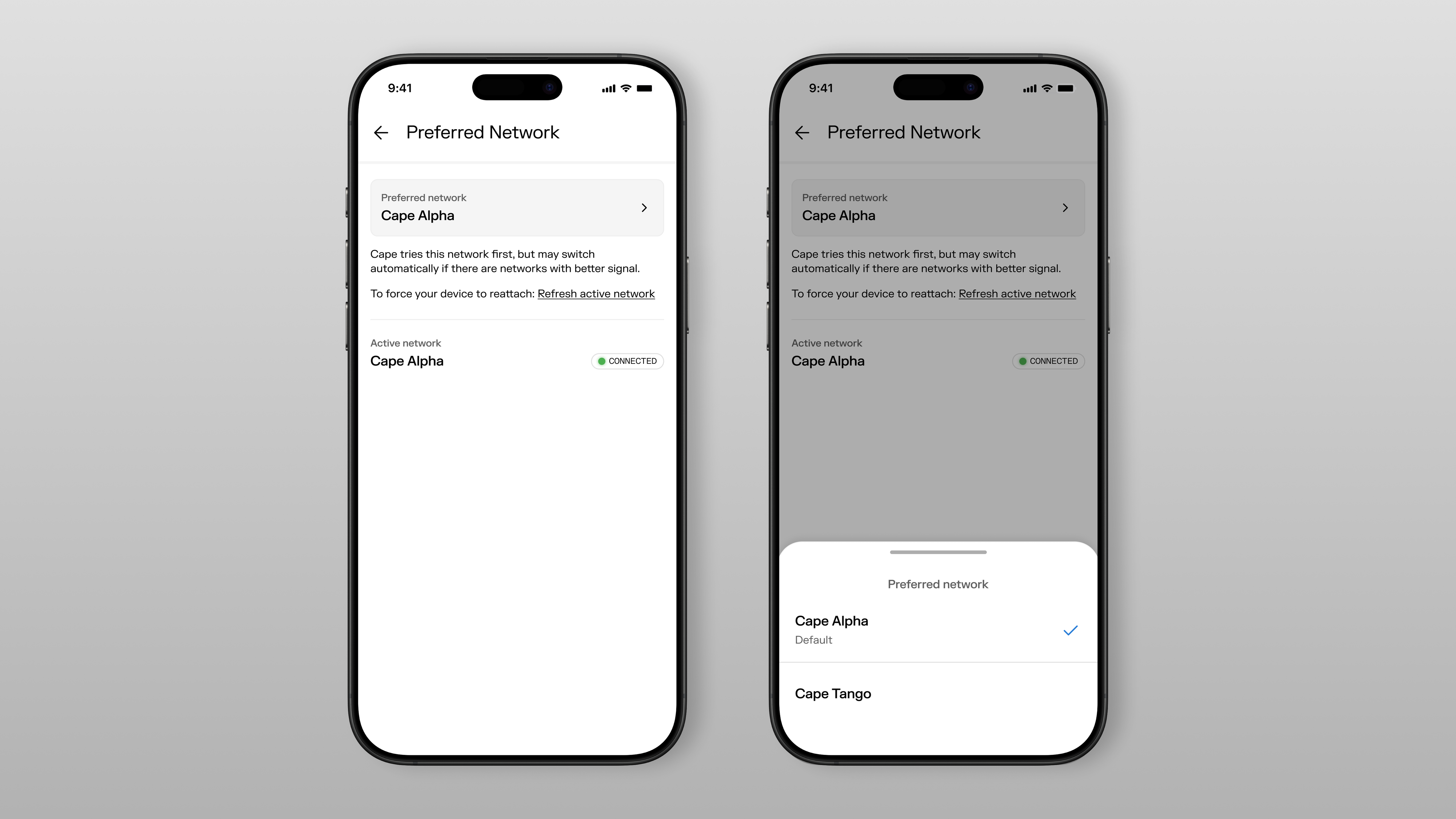
Subscribers can switch between networks directly in the Cape app. You can indicate your preferred network between Cape Alpha or Cape Tango. As long as your preferred network has coverage, Cape will automatically connect to it. If it doesn't, Cape will connect you to the other network, then switch you back automatically once you're back in range of your preferred network's coverage.
Why did we develop this feature?
Spreading your traffic across two domestic roaming networks makes you harder to track, even for someone with access to the networks themselves, and especially when used in conjunction with our Identifier Rotation feature.
As a secondary benefit, you also get better coverage. If you lose signal on one network, we'll automatically try the other, so you stay connected more of the time.
You have autonomy and control over which network you use
How do we do it?
Unlike other mobile virtual network operators, or MVNOs, we have our own mobile core. MVNOs rent cell tower capacity from one of the three major operators in the United States: AT&T, T-Mobile, or Verizon. Some MVNOs will allow you to choose a number from more than one of the big three operators. Some can even transfer your phone number from one operator to another, by getting you to download a new eSIM each time you want to switch—a process that takes several minutes each time.
Cape is the only MVNO that allows all subscribers to use a single number and switch back and forth between networks automatically, with no new SIM and no waiting.
How to use Multi-Network Coverage
Every Cape subscriber gets Multi-Network Coverage in their plan at no extra cost. Check out our help article for step-by-step instructions on how to set it up.
Toggle between our networks automatically. Better coverage. Harder to trace.
Share it
