
Your primary number, now on Cape.
You already have a Cape account. Now, you can port your main number into it without losing your referrals, settings, or anything else you've built.
See howHow it works
Three steps.Approved in minutes.
Step 01
Start transfer
In your Cape app, go to Account → My Numbers → Bring a number to Cape.
Step 02
Submit transfer request
Enter the account number and transfer PIN of the number you want to port in. We send the request to your previous carrier for you.
Step 03
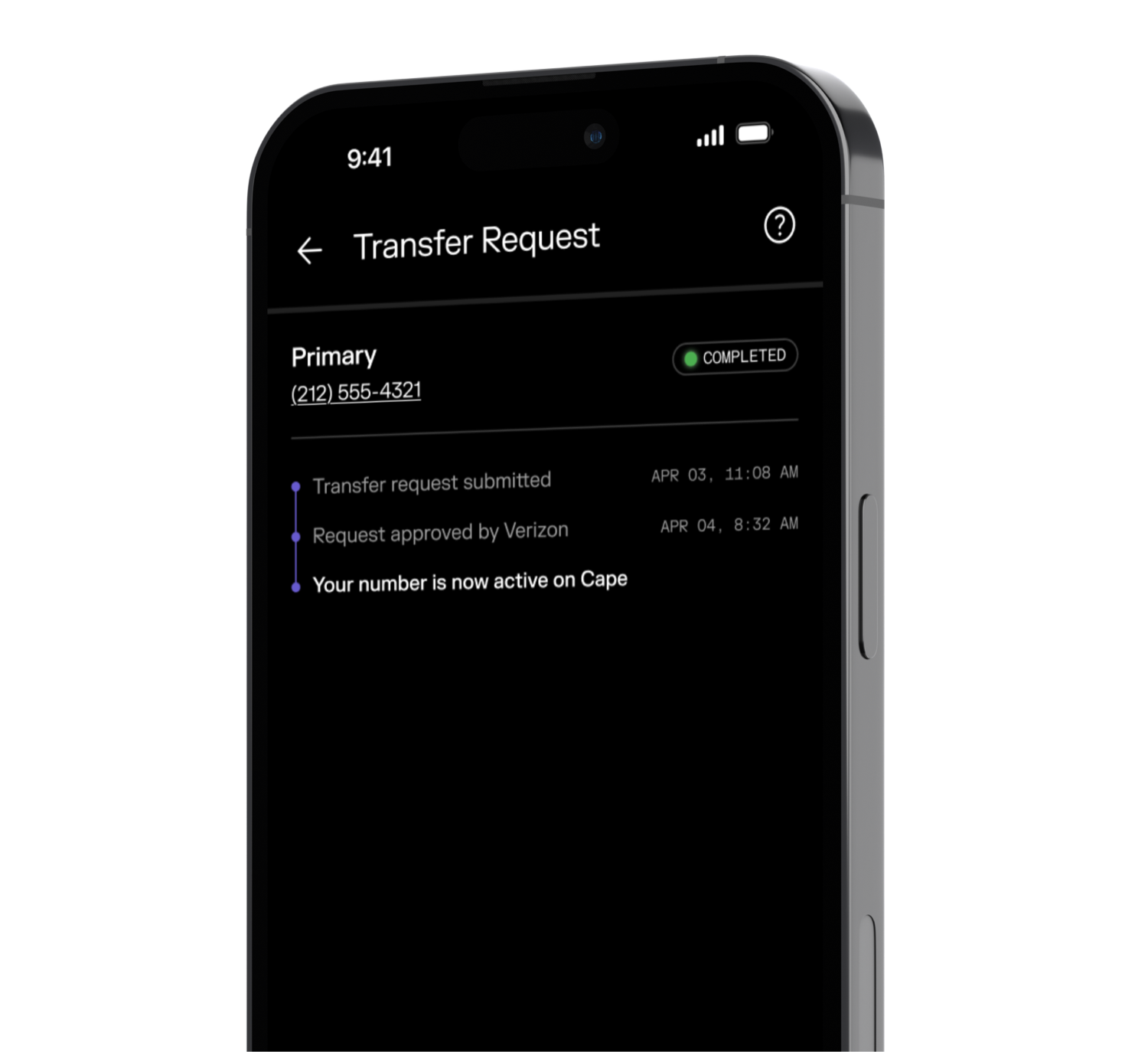
Your number goes live
Once your old carrier signs off, that number becomes your primary line on Cape, replacing your old Cape number.
For more setup instructions, see here.
How it works
Three steps.Approved in minutes.
Step 01
Start transfer
In your Cape app, go to Account → My Numbers → Bring a number to Cape.
Step 02
Submit transfer request
Enter the account number and transfer PIN of the number you want to port in. We send the request to your previous carrier for you.
Step 03
Your number goes live
Once your old carrier signs off, that number becomes your primary line on Cape, replacing your old Cape number.
For more setup instructions, see here.
Your account, intact
Referrals, billing, settings, and history stay intact. The number has changed, but the account is the same.
No reinstall
The entire process takes place in the app you already have. No new download, no second account, no setup from scratch.
Minutes, not days
Most numbers go live within minutes of your previous carrier approving the transfer. Track every step as it happens.

Switch to Cape,America’s privacy-first mobile carrier.
Switch now to lock in early adopter pricing for life.
SIGN UP NOW